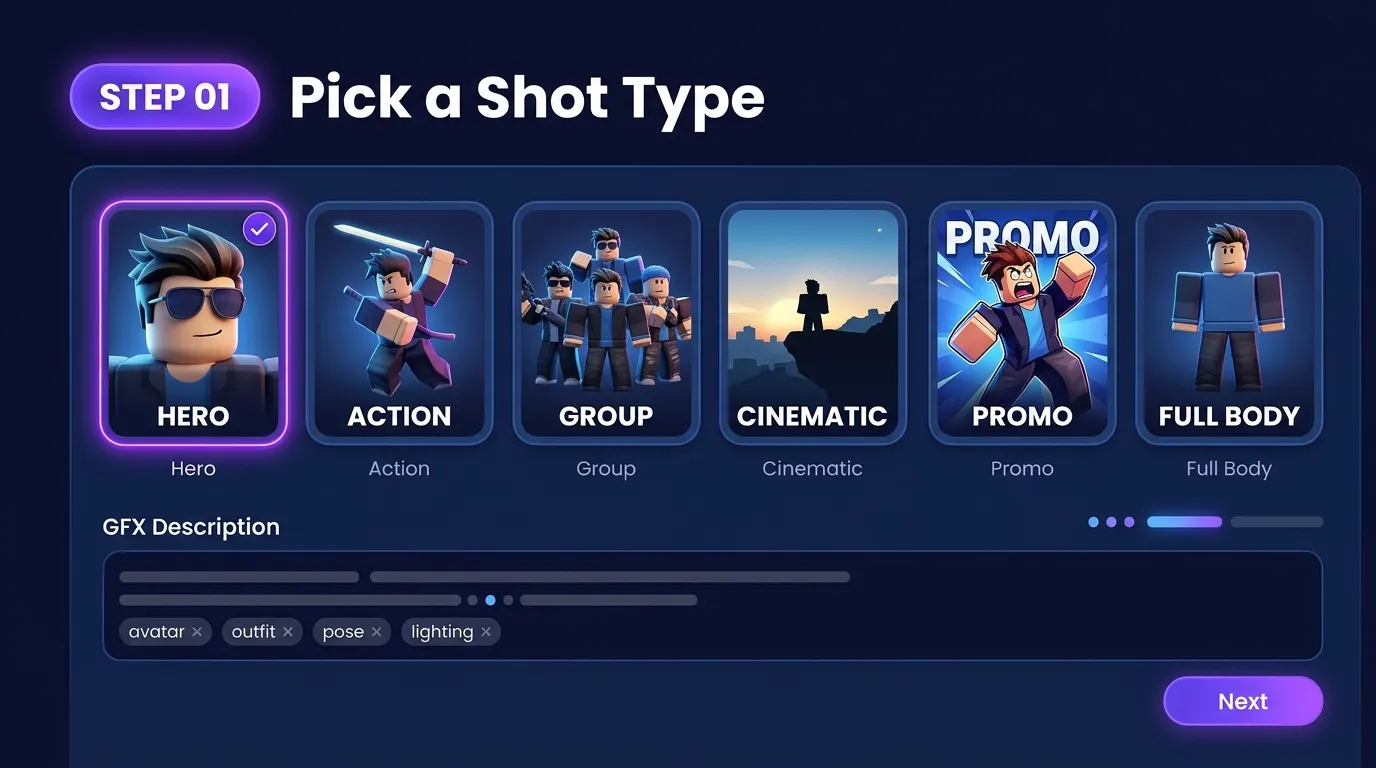
STEP 1
Pick a Shot Type
Choose Hero, Action, Group, Cinematic, Promo, or Full Body—then add your GFX description.
Create hero portraits, action poses, squad art, and promo layouts for Roblox. Pick a shot type, describe outfit and lighting, and generate GFX in the studio belowabove.
Roblox GFX maker for character art—portraits, squads, and promo renders from text and optional reference uploads.
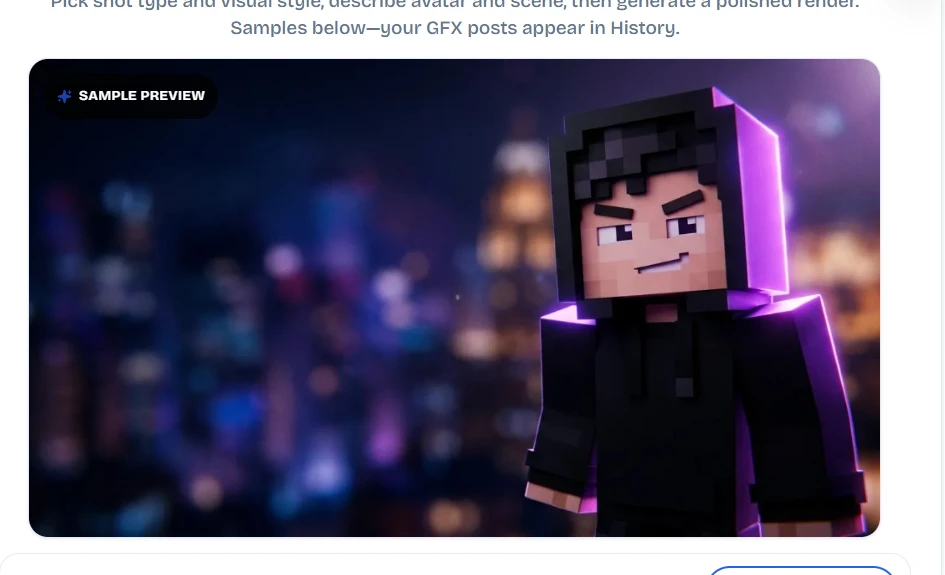
Hero portraits, action poses, squads, and promo art made with the Roblox GFX maker. Tap an example to open the studio with that shot preset.
Shot presets, visual styles, and flexible aspect ratios in one browser studio—built for character art and social posts.
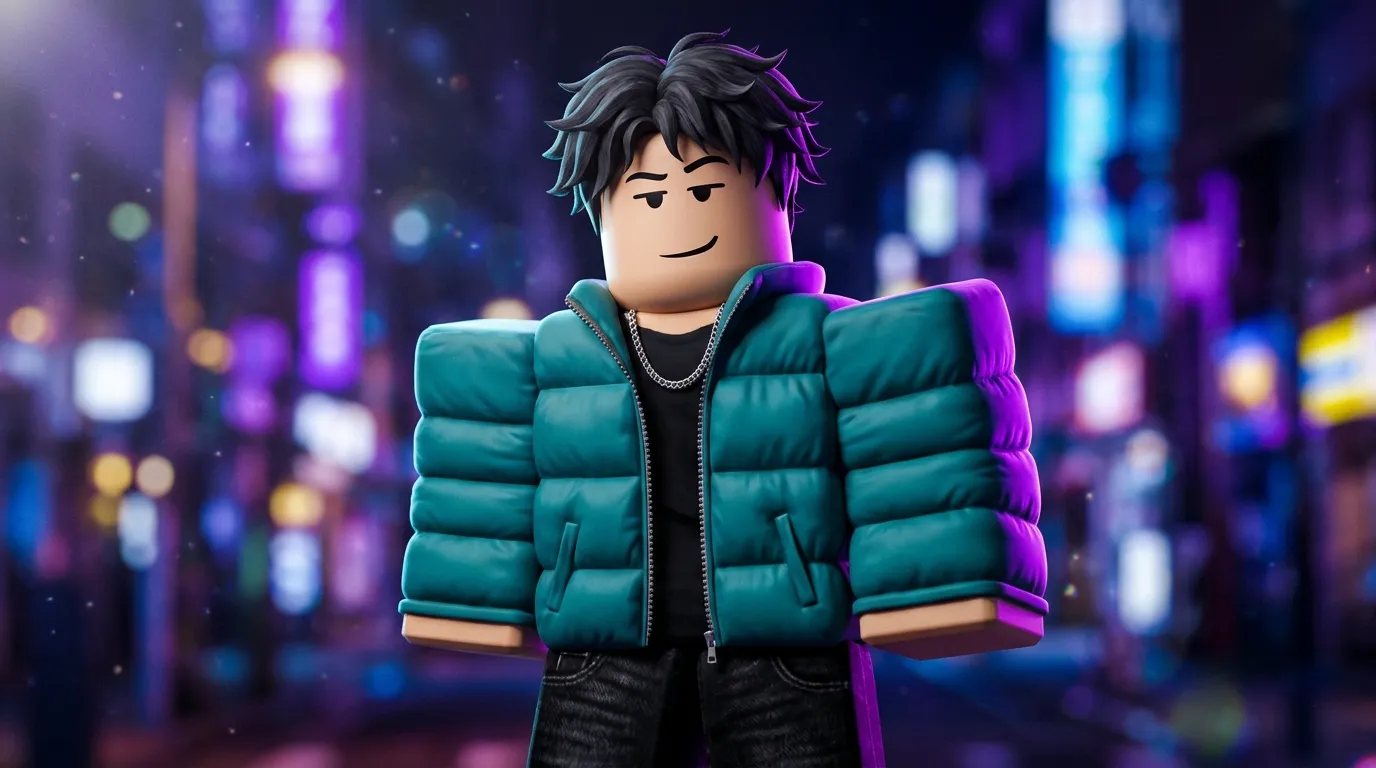
Describe your avatar, outfit, pose, and lighting. The Roblox GFX maker turns your brief into portrait, action, and promo-style renders—no Blender required to start.
Create my GFX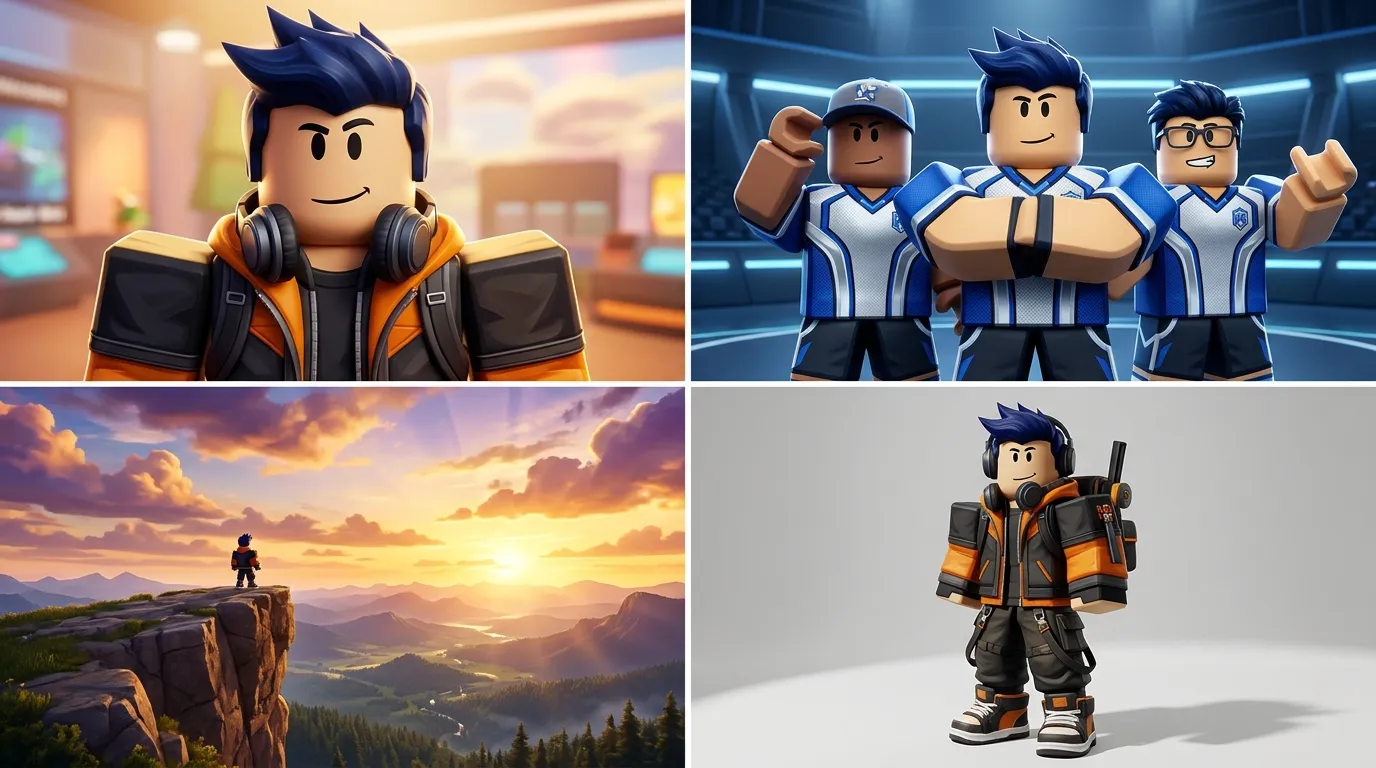
Hero portraits, squad groups, cinematic wides, and full-body outfit showcases. Pick a shot preset, then refine with your GFX description and visual style.
Browse examples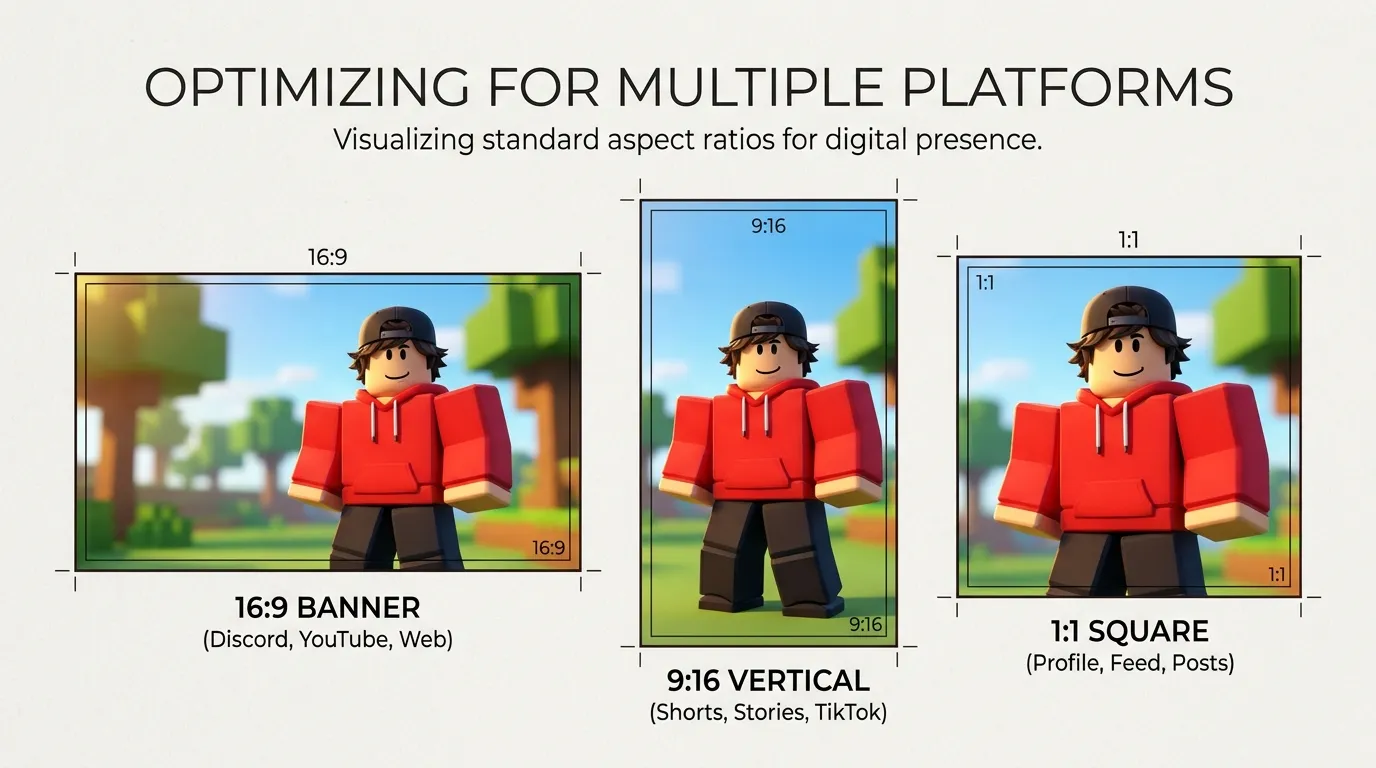
Generate in 16:9, 9:16, 1:1, and more for Discord banners, vertical shorts, and square profile art—then download from History.
Open the studio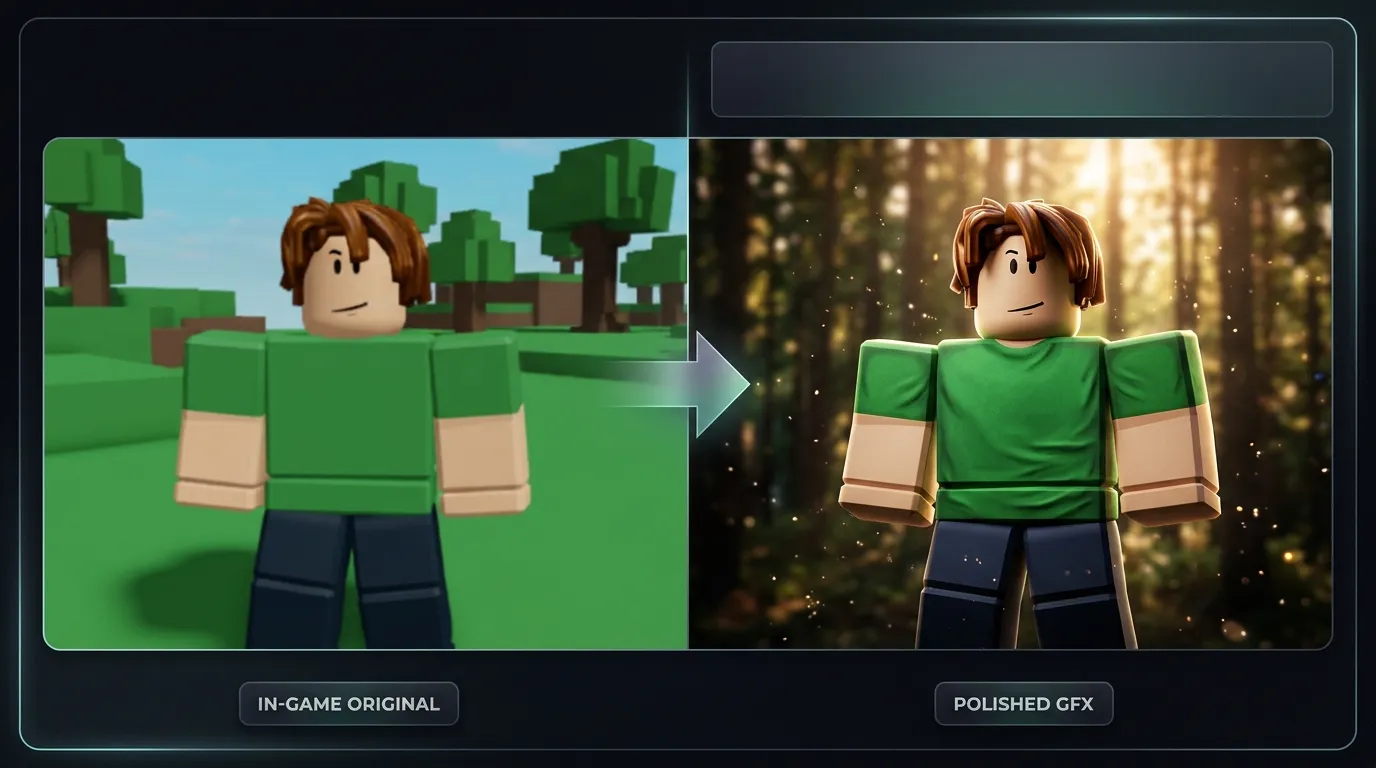
Optional reference photos help match an outfit or pose. Combine upload + text for closer likeness while keeping a safe area for usernames or logos in your layout.
Generate GFXThe walkthrough below matches the GFX tab in the studio at the top of this page—pick a shot, describe your render, generate, and download.
Choose Hero, Action, Group, Cinematic, Promo, or Full Body—then add your GFX description.
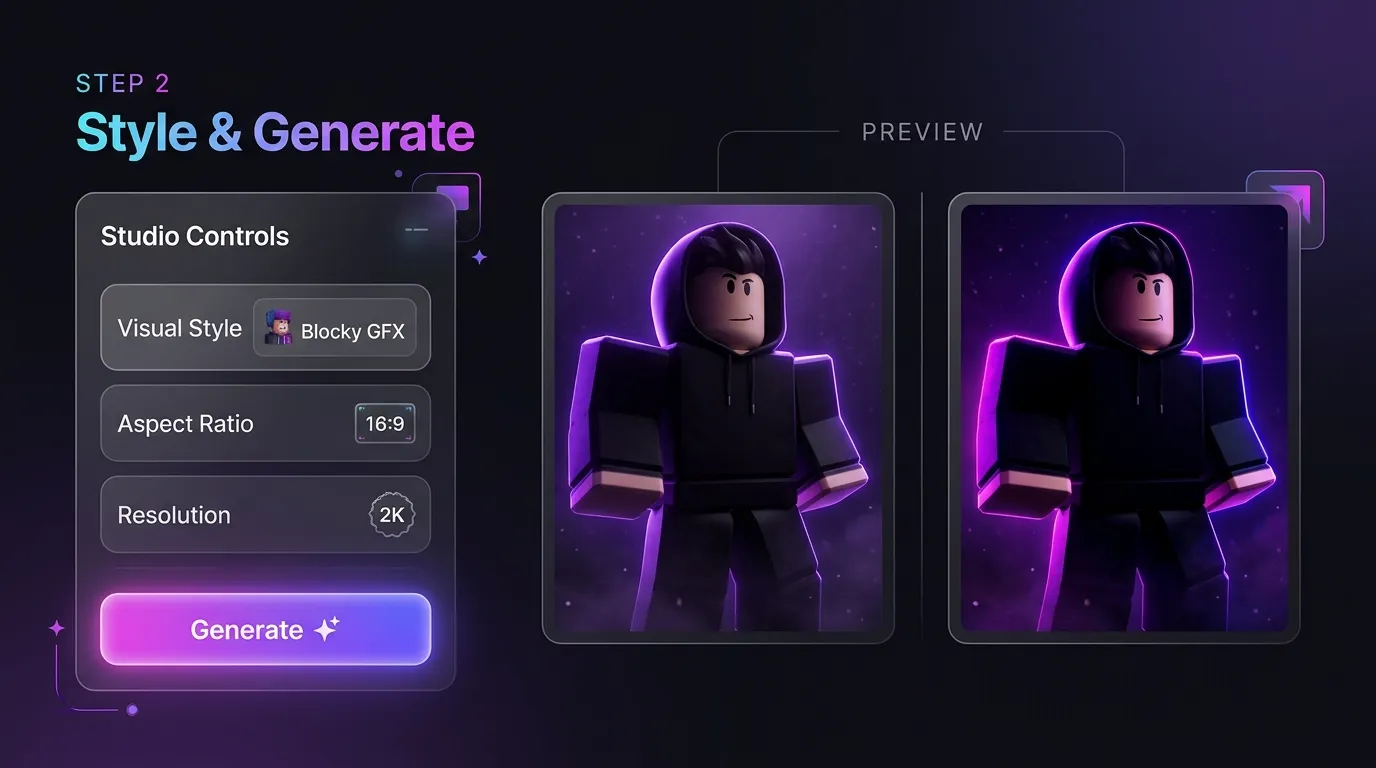
Set visual style, aspect ratio, and resolution. Generate one or more variants and compare in Preview.
Save favorites to Projects and download PNGs for social posts, group icons, or commission previews.
From Discord banners to commission previews—choose the shot type and style that fits your post.
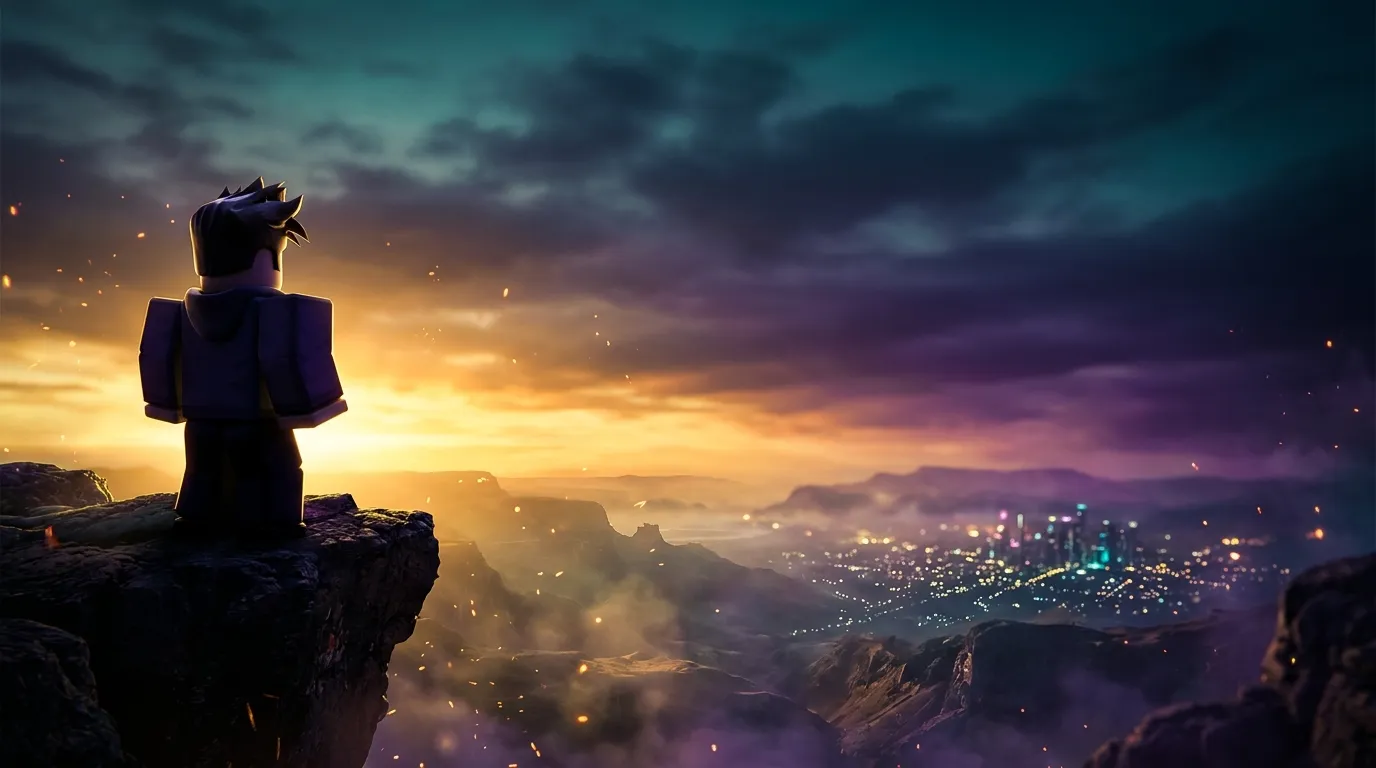
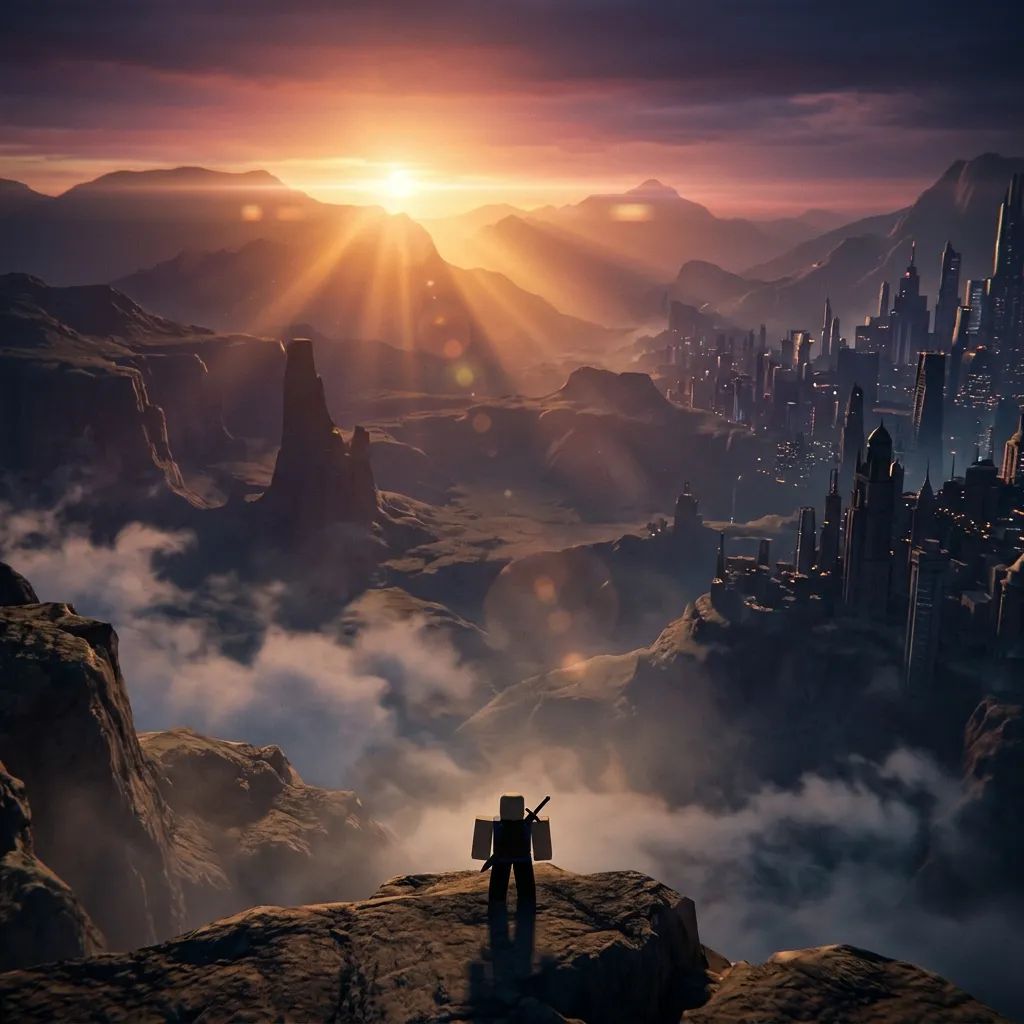
Wide hero and cinematic shots with space for text—ideal for server invites and announcement posts.
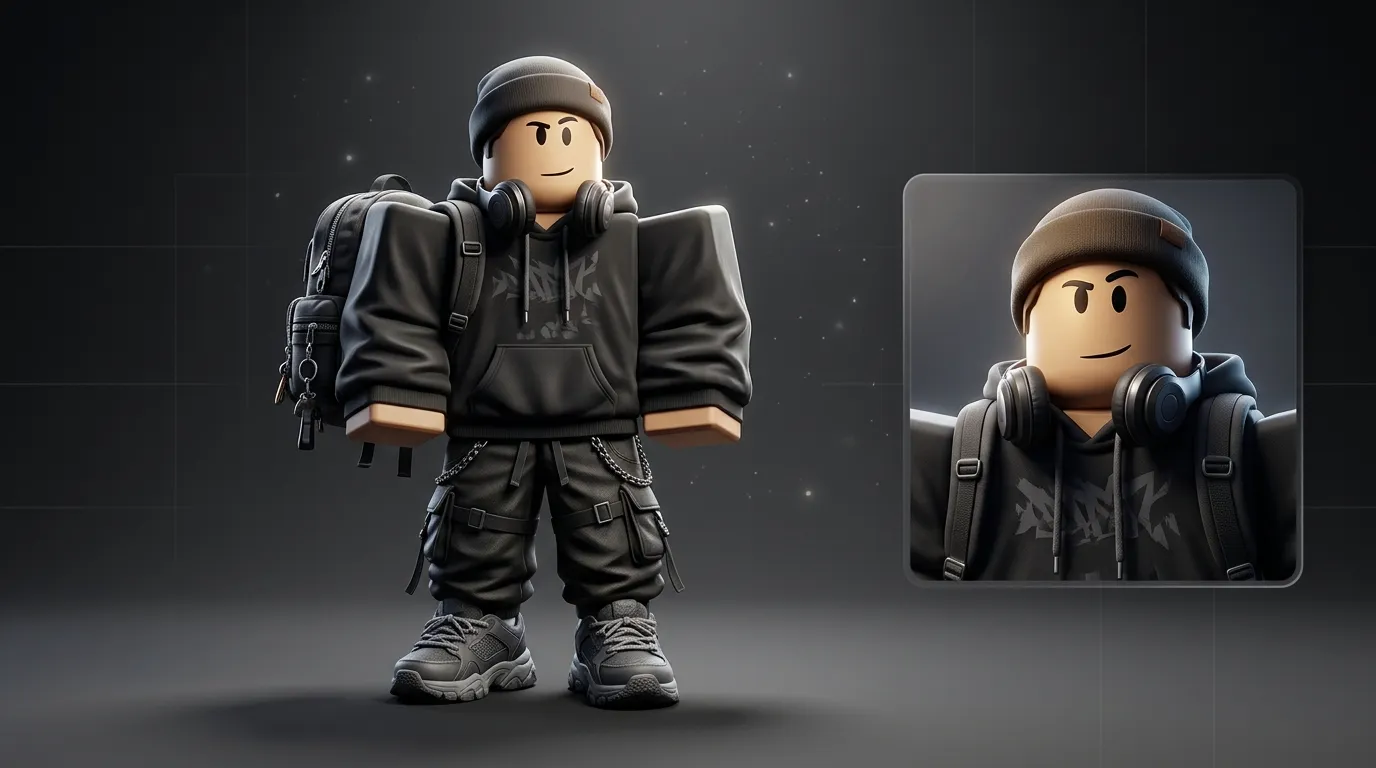
Full-body and hero portraits that highlight outfits, accessories, and lighting for client previews.
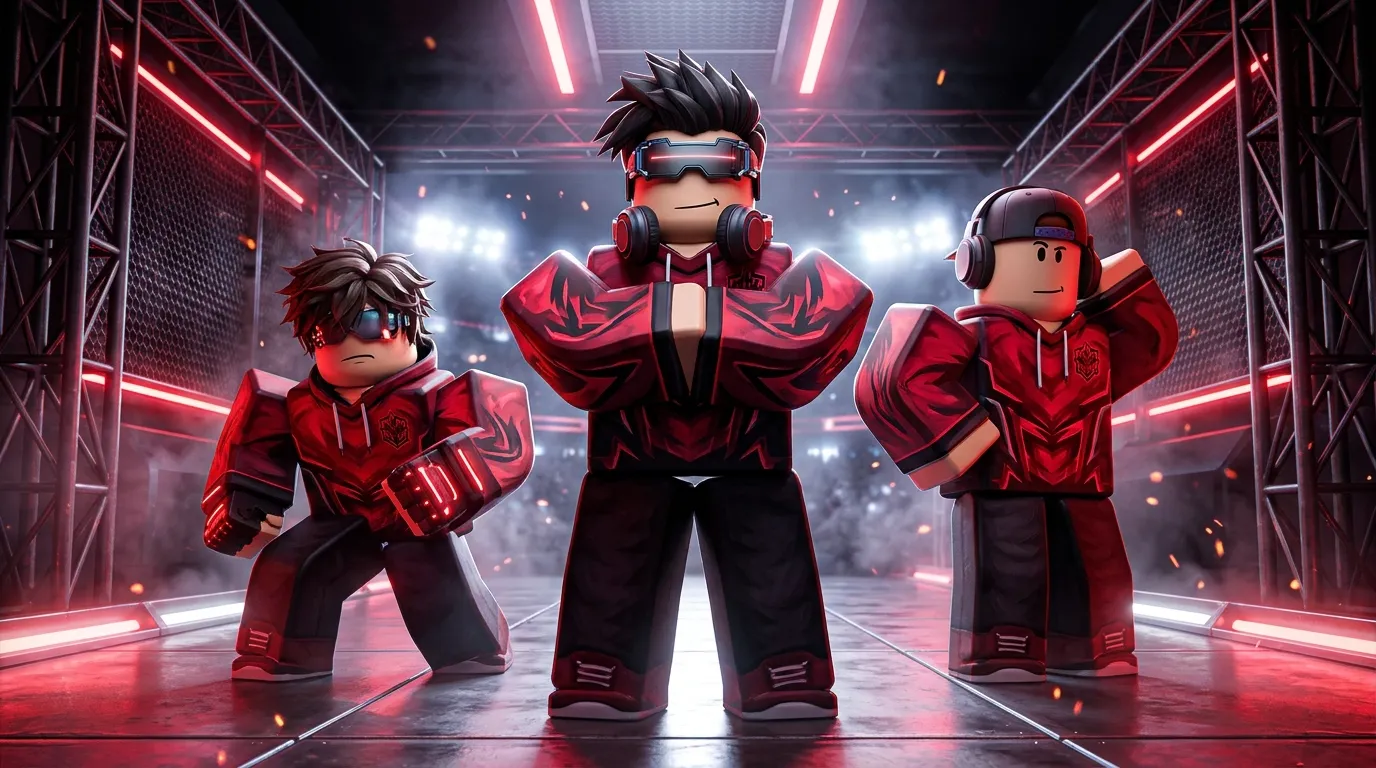
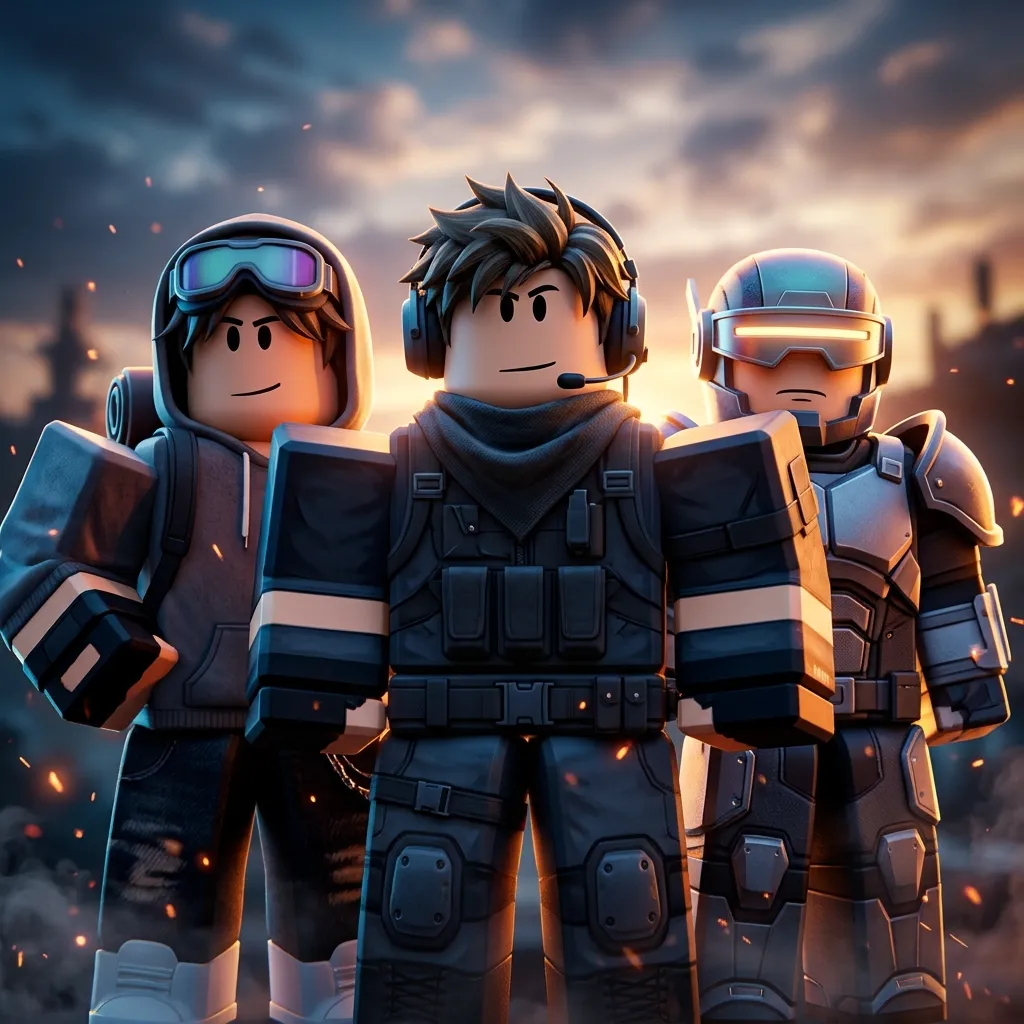
Group/squad compositions with matching team colors for esports-style Roblox communities.
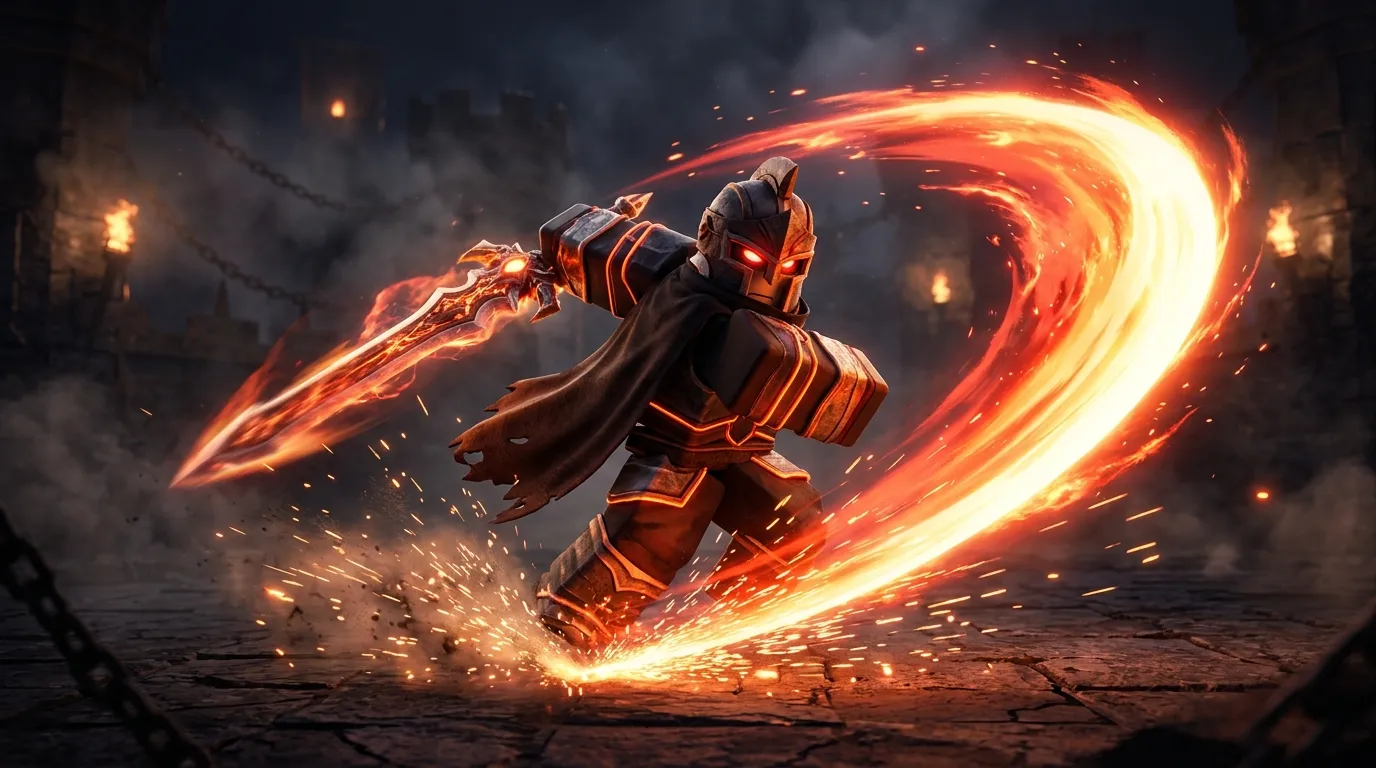
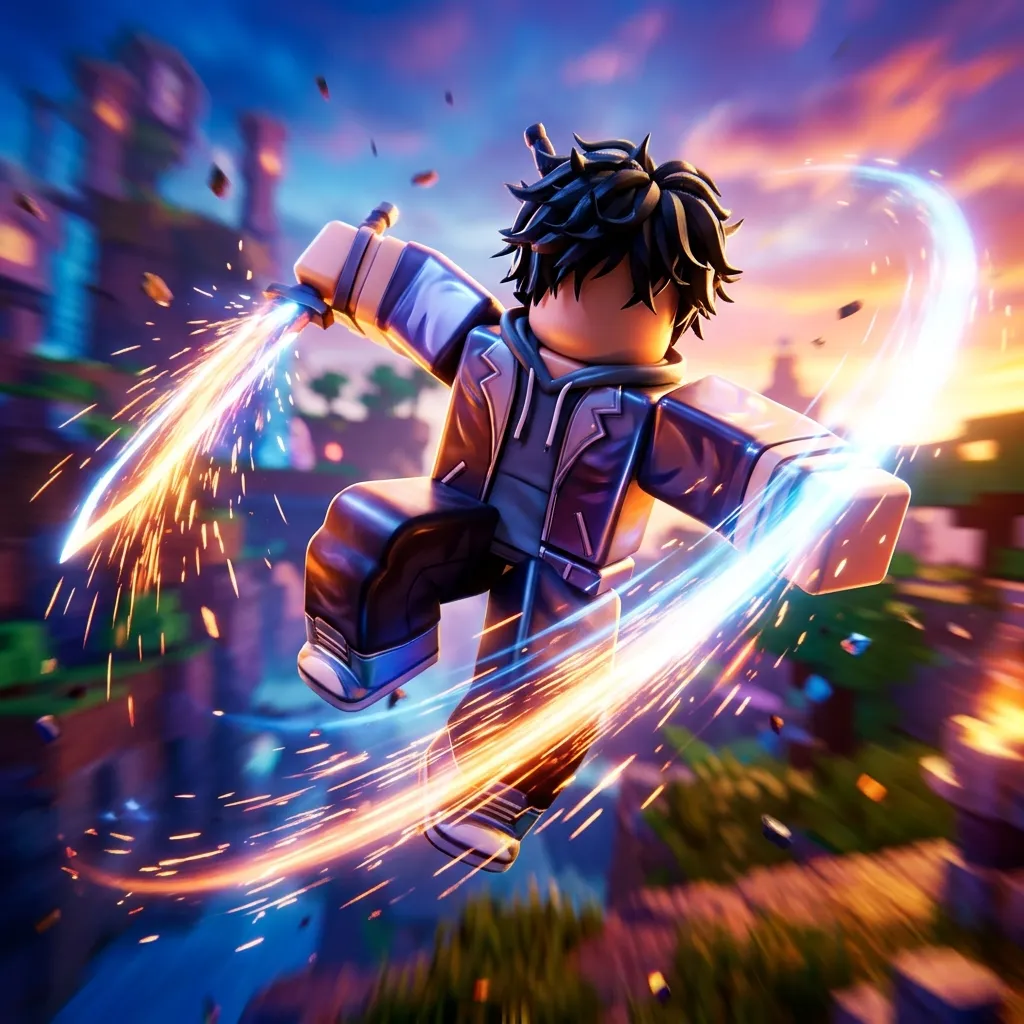
Dynamic poses and energy effects for fighting games, sword battles, and ability showcases.
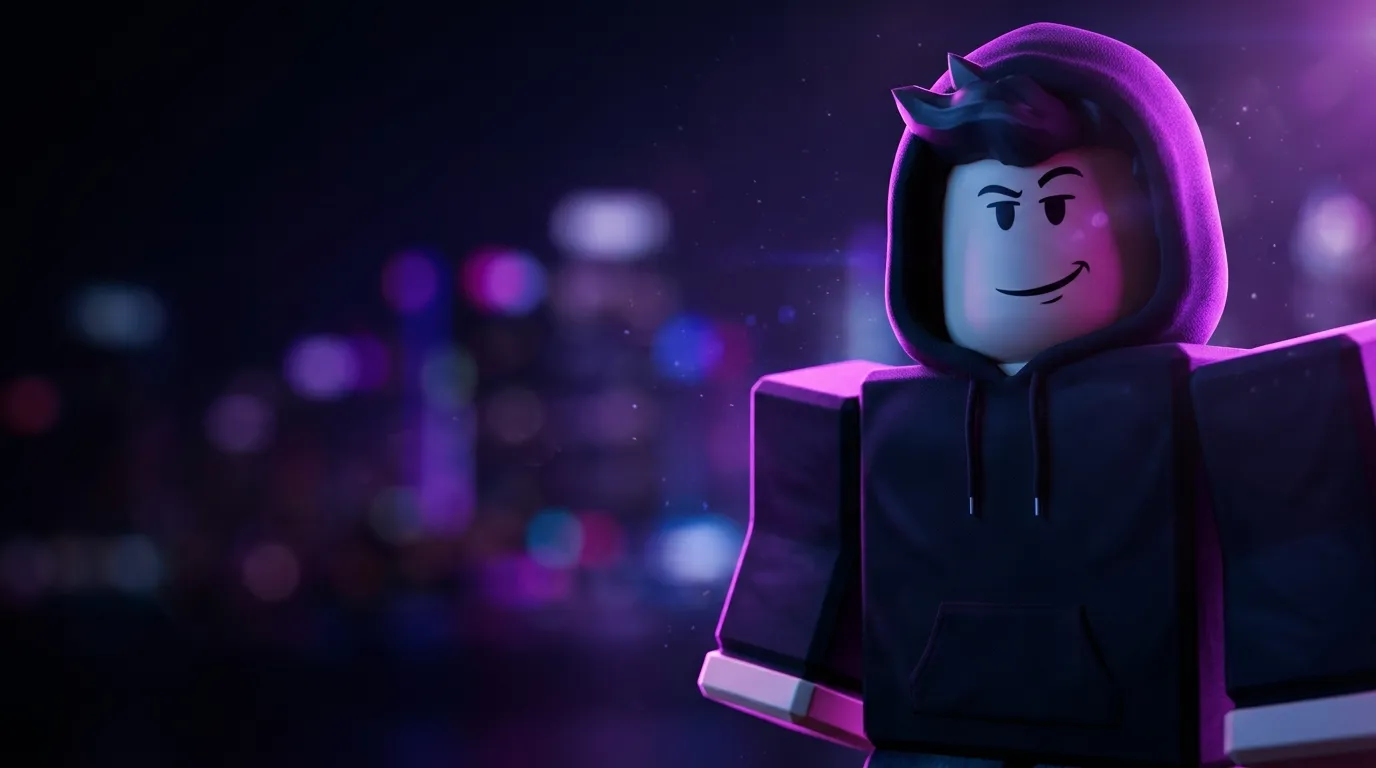
Clean hero portraits with rim light and bokeh—works for personal branding and creator pages.
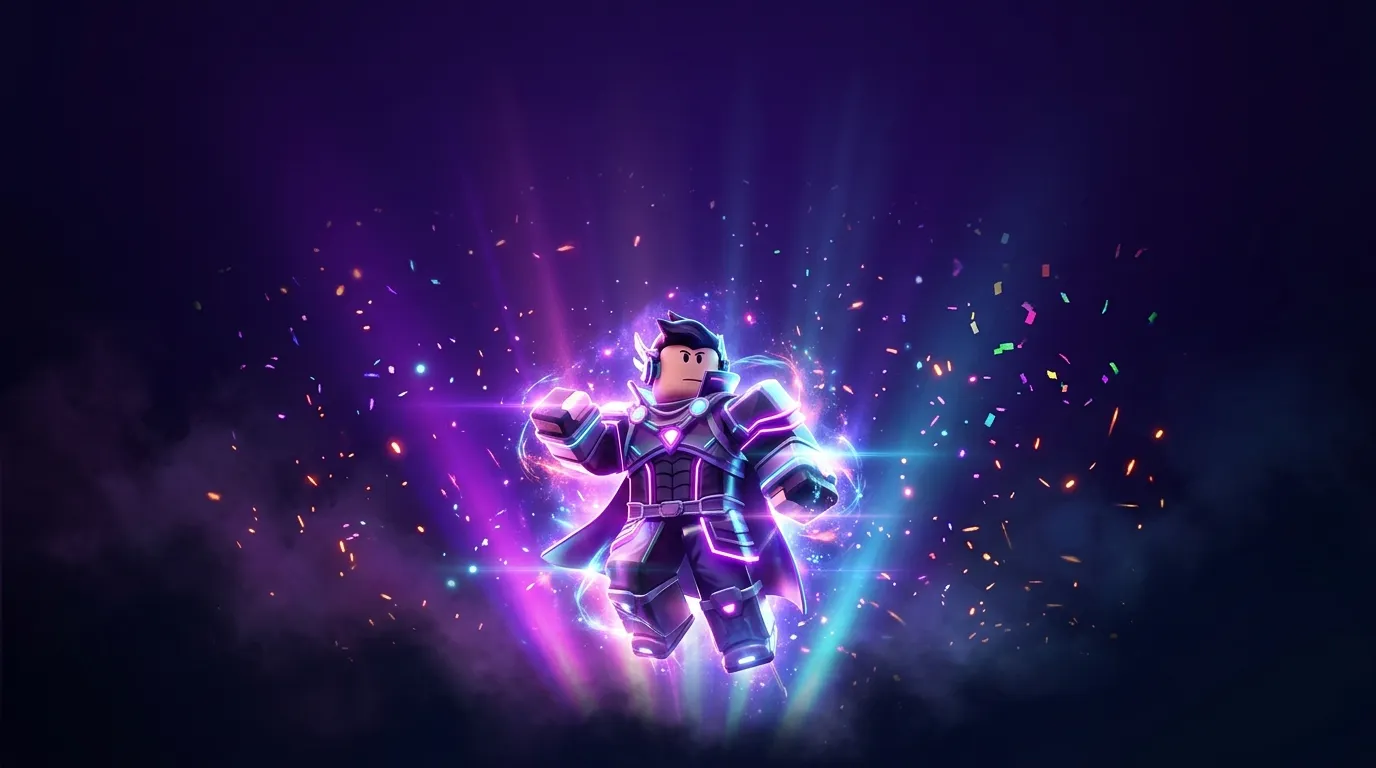
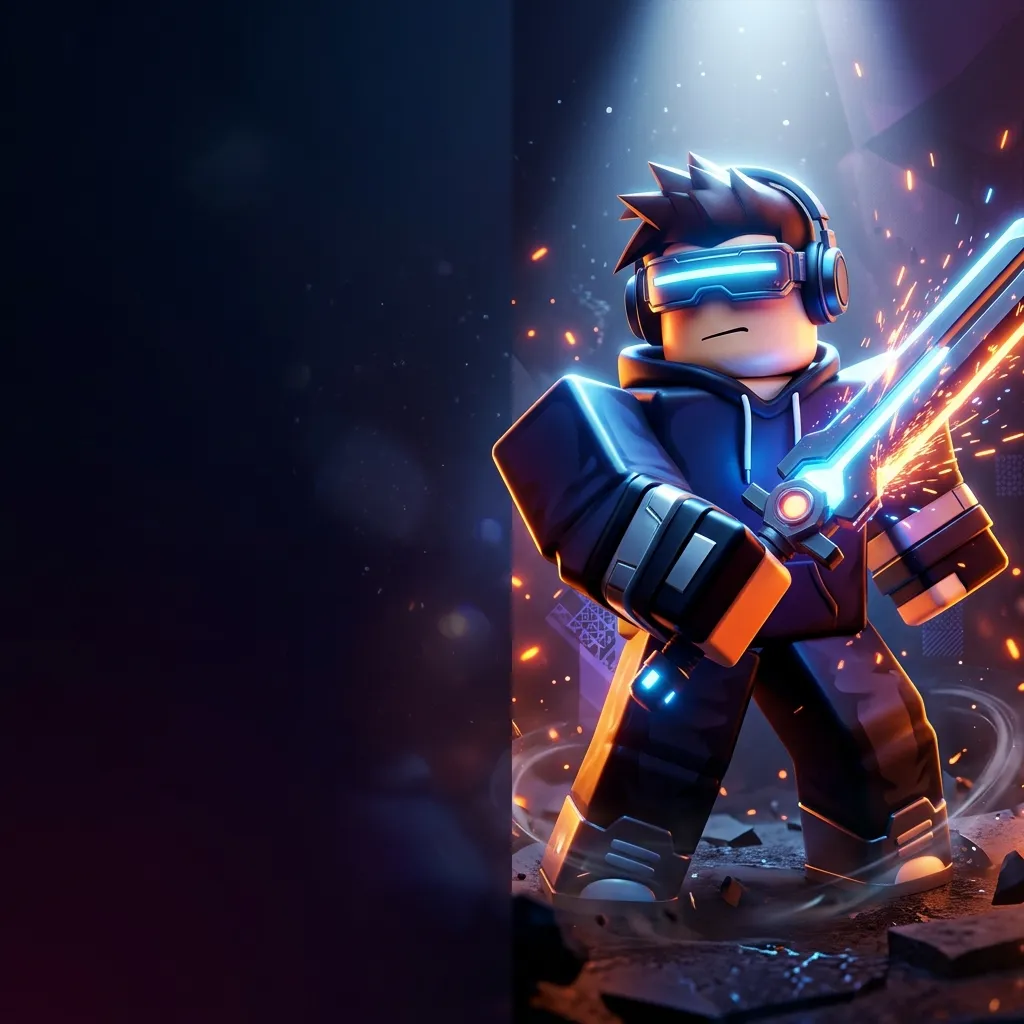
Promo poster layouts with particle effects and logo-safe areas for limited-time events.
Leave space in your description for usernames or logos on promo layouts. Use 16:9 for banners, 9:16 for vertical posts, and 1:1 for profile squares. Higher resolutions (2K / 4K) help when you crop later.
Try the GFX studioNotes from developers who compared game covers, genres, and visual styles before publishing an experience or uploading a video.
Obby cover picked in one night.
We generated four neon obby directions from the same reference screenshot. The team agreed on a thumbnail before pushing the update live.
YouTube covers match the game.
Same 16:9 studio for Roblox uploads and YouTube—when a video pops, the experience icon and thumbnail feel like one brand.
Jump back into the Roblox GFX maker, pick a shot type, describe outfit and lighting, and download renders for your next post or commission preview.
Roblox GFX Maker
Pick shot type and visual style, describe avatar and scene, then generate a polished render.Samples below—your GFX posts appear in History.
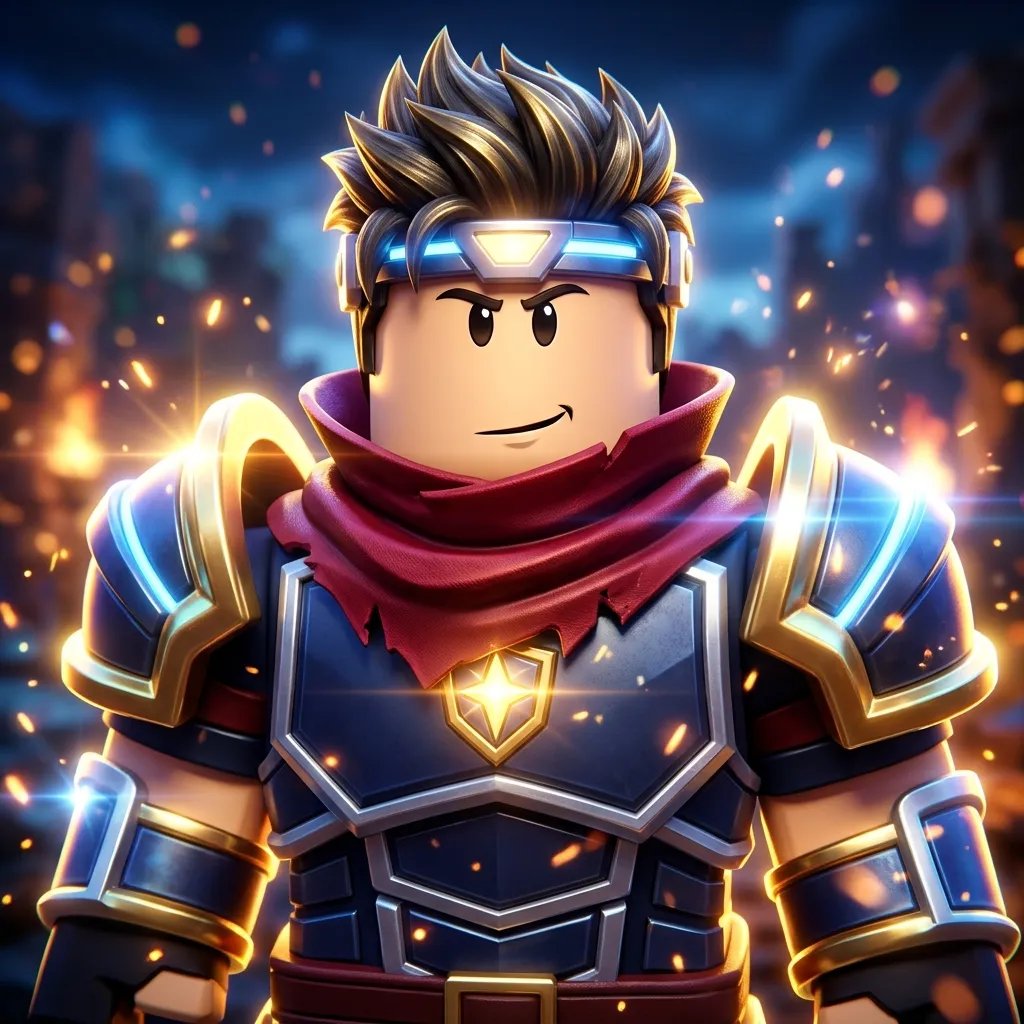
PromptRoblox-style blocky avatar GFX hero portrait from a creator brief: spiky brown hair, red scarf, futuristic blue and gold knight armor with glowing cyan trim and golden star chest emblem, confident smirk, cinematic rim light, blurred battle city background with orange embers and sparks, polished high-end character render not an in-game screenshot, no watermark, no text.