
STEP 1
Describe Your Thumbnail
Describe your game, characters, setting, and the visual style you want to create.
Upload a reference image or describe your game, then transform it into a bold Roblox thumbnail in seconds. Explore genres and visual styles without opening a design app.
AI thumbnail art that turns references and prompts into game-cover concepts, helping creators preview bold looks before publishing.
Need a square avatar instead of a game cover? Create a Roblox Profile Picture.
Explore different thumbnail styles for Roblox games. Browse the cover-image examples below for inspiration, then open the studio to create a game cover that fits your experience.
Turn a reference image and brief into thumbnail concepts you can compare, save, and download—genre presets and visual styles in the same studio.
Describe your game or creative idea in the studio above and turn it into thumbnail art with AI.
Create my thumbnail
Explore different visual styles to match the mood, genre, and personality of your Roblox experience.
Explore examples
Fine-tune your thumbnail using genre presets, visual style, and a written brief in the studio.
Open the studio
Preview results in History and download finished thumbnails in the resolution you selected (1K, 2K, or 4K).
Generate a thumbnailThe walkthrough below matches the generator at the top of this page—upload, customize, generate, and download when you are happy with a result.
Describe your game, characters, setting, and the visual style you want to create.
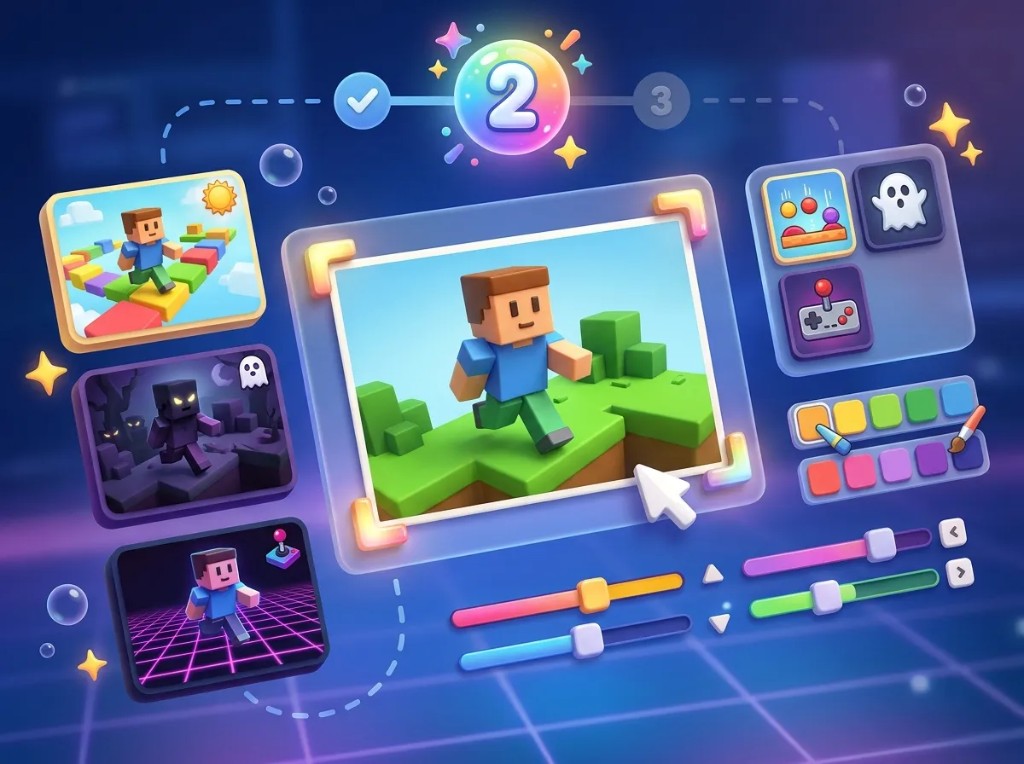
Choose from the available styles and customization options to shape your thumbnail.
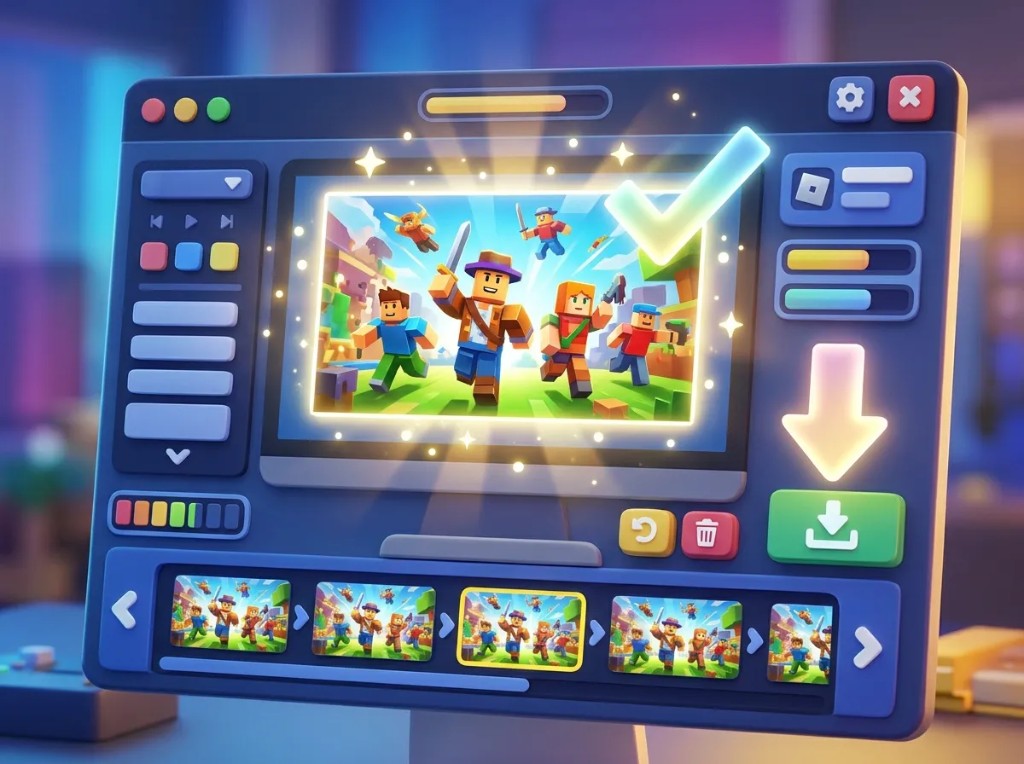
Generate your cover image, review the result, and download the PNG when it meets your needs.
Pick a genre preset in the studio that matches your experience—obby, tycoon, horror, and more—then refine the look with your written brief.
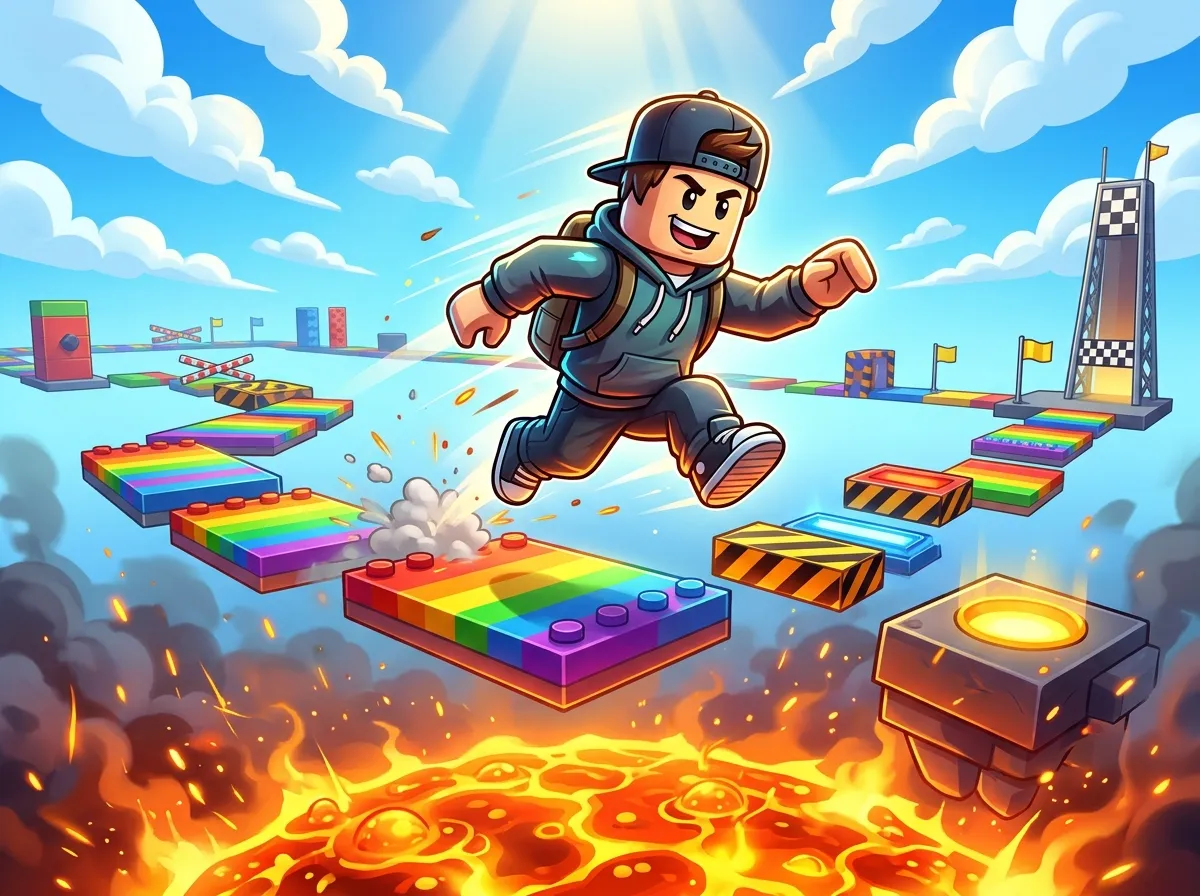
Create bold, colorful thumbnail concepts for obstacle courses and parkour games.
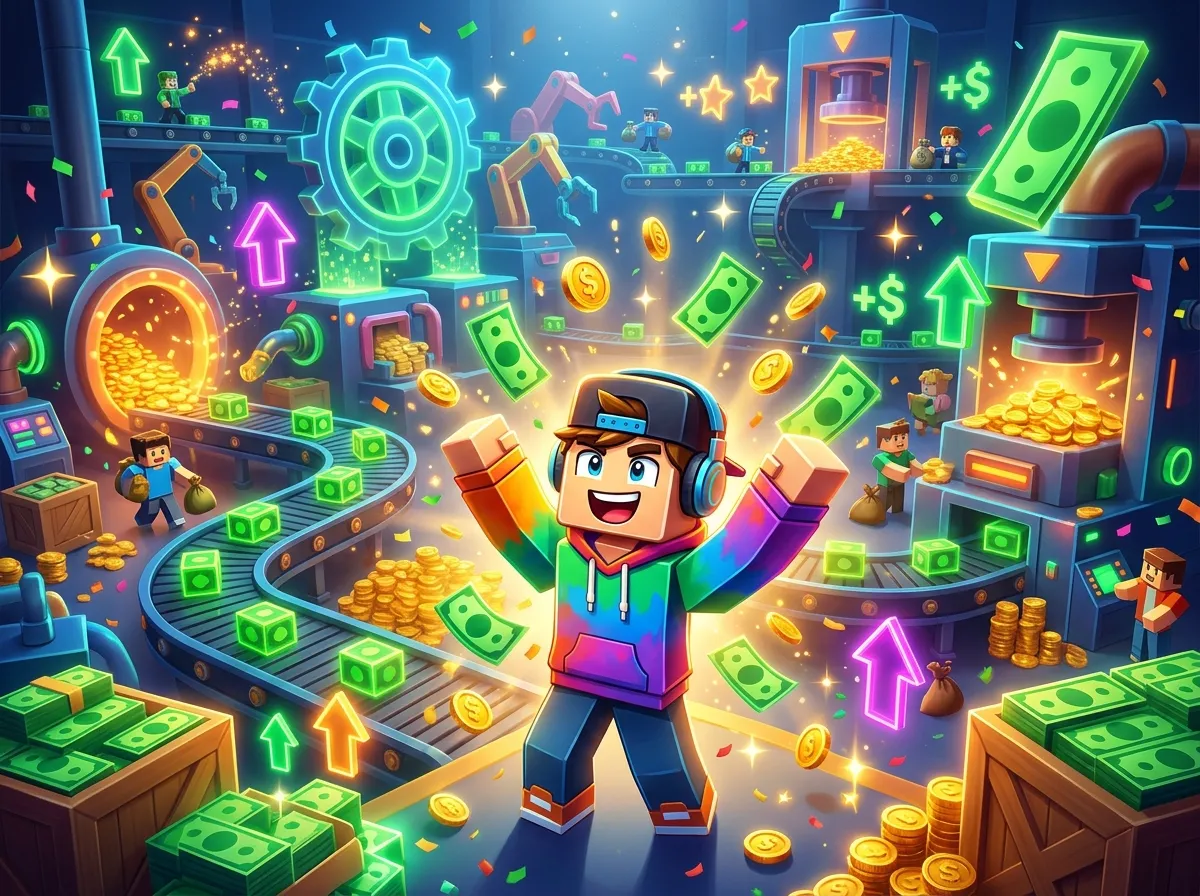
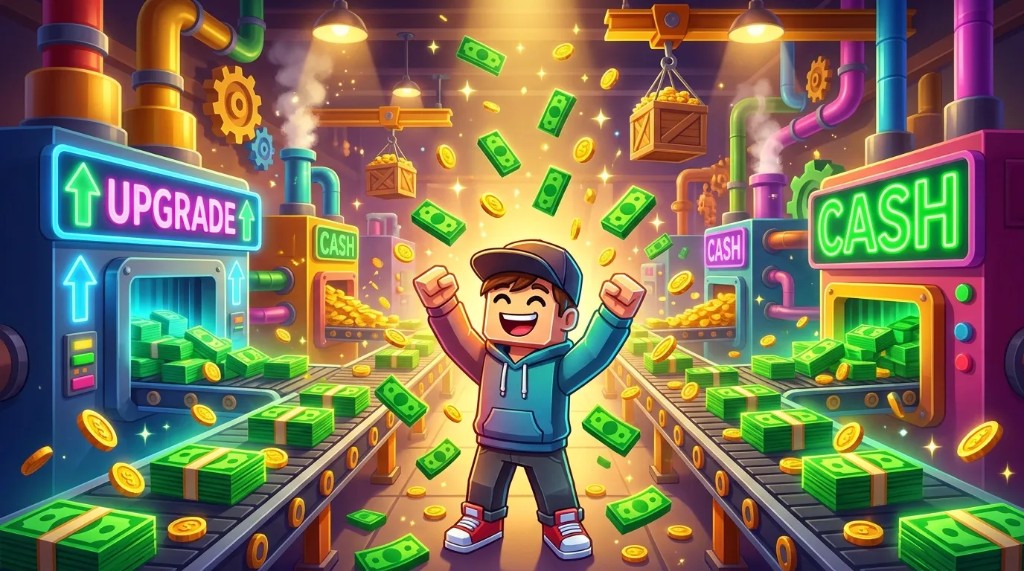
Explore thumbnail concepts featuring upgrades, rewards, and exciting game worlds.
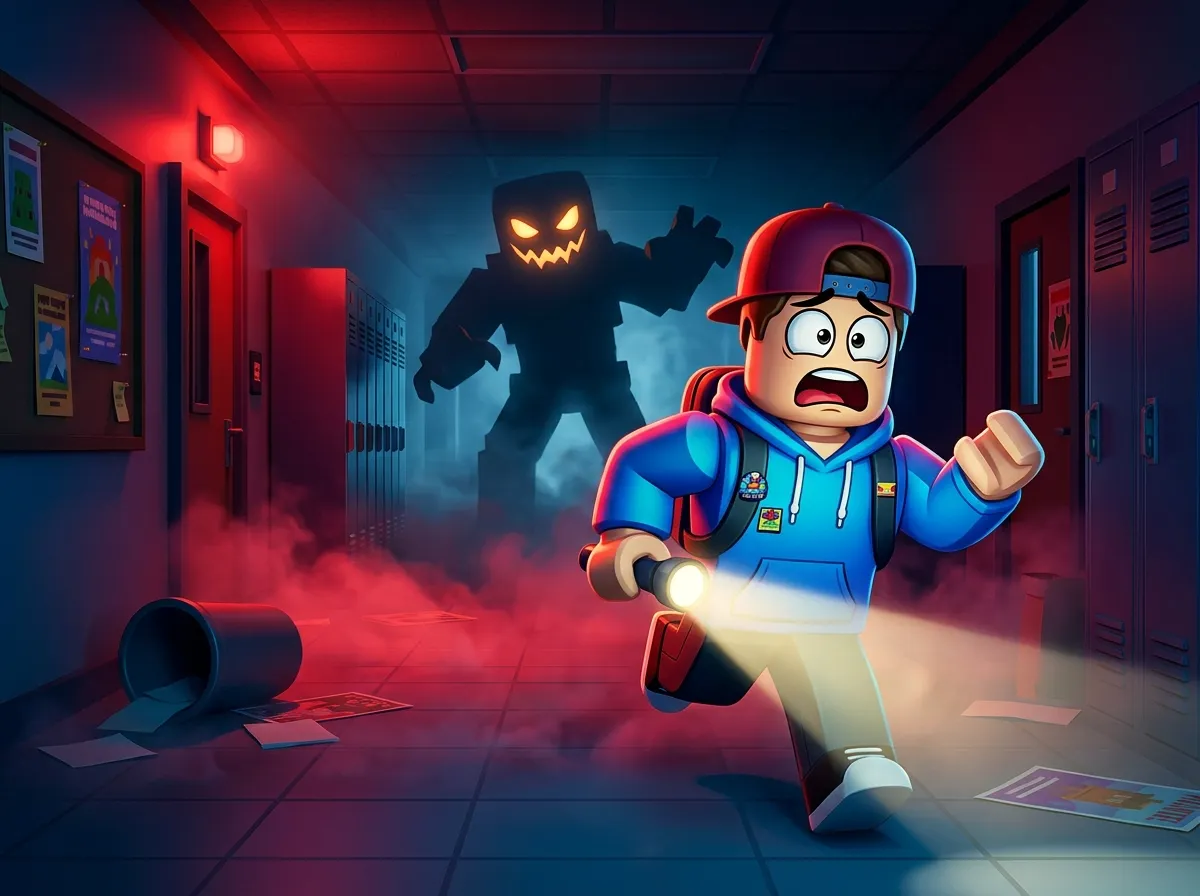
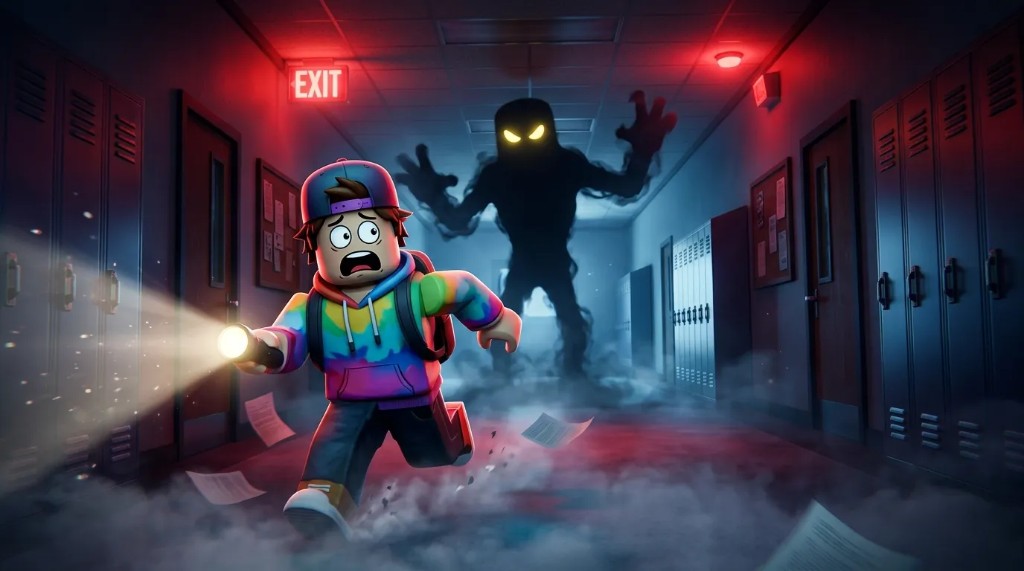
Create dark, dramatic visuals for horror and survival experiences.
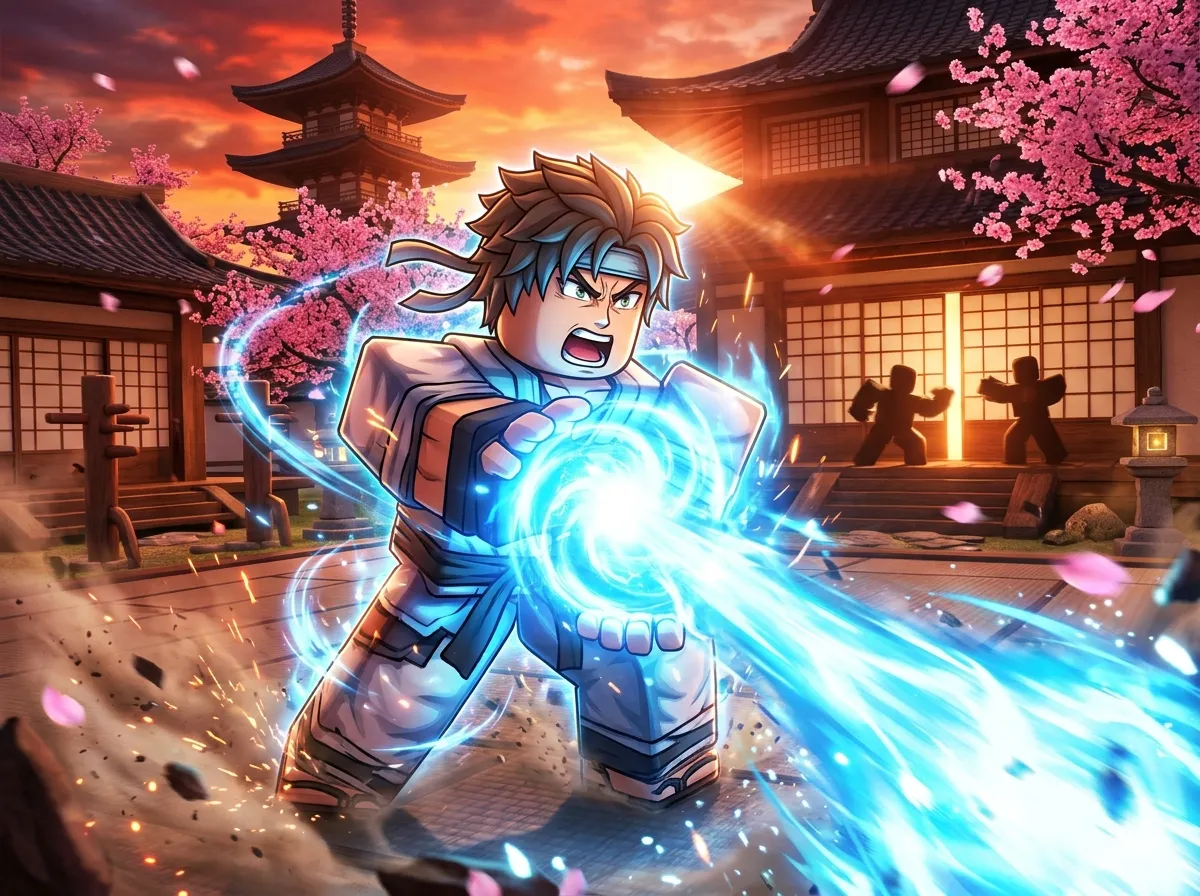
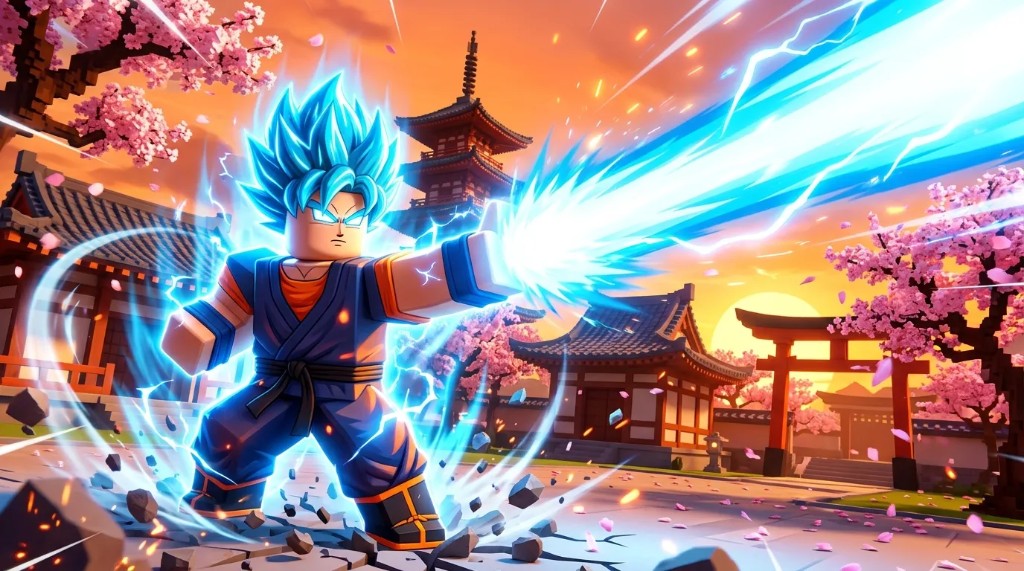
Stylized, high-energy covers for anime-inspired combat, adventure, and story games.
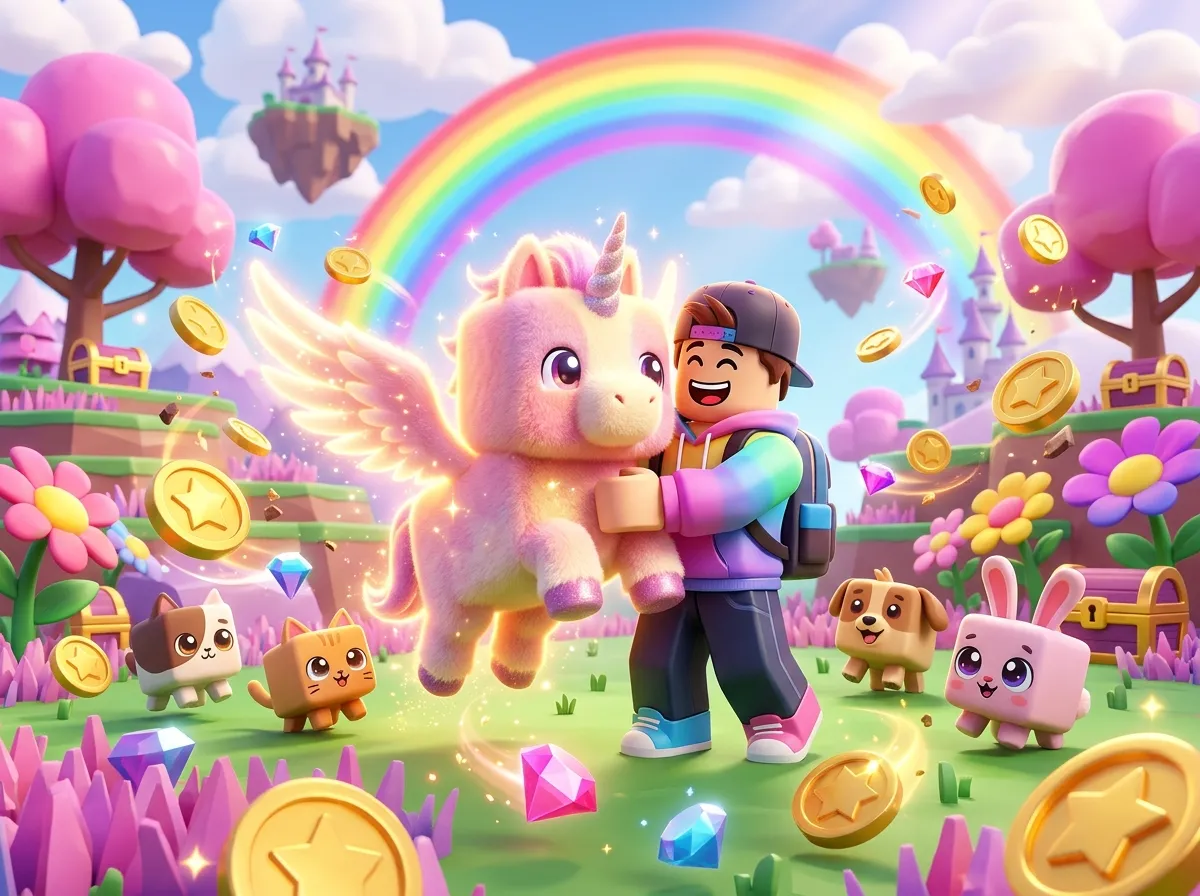
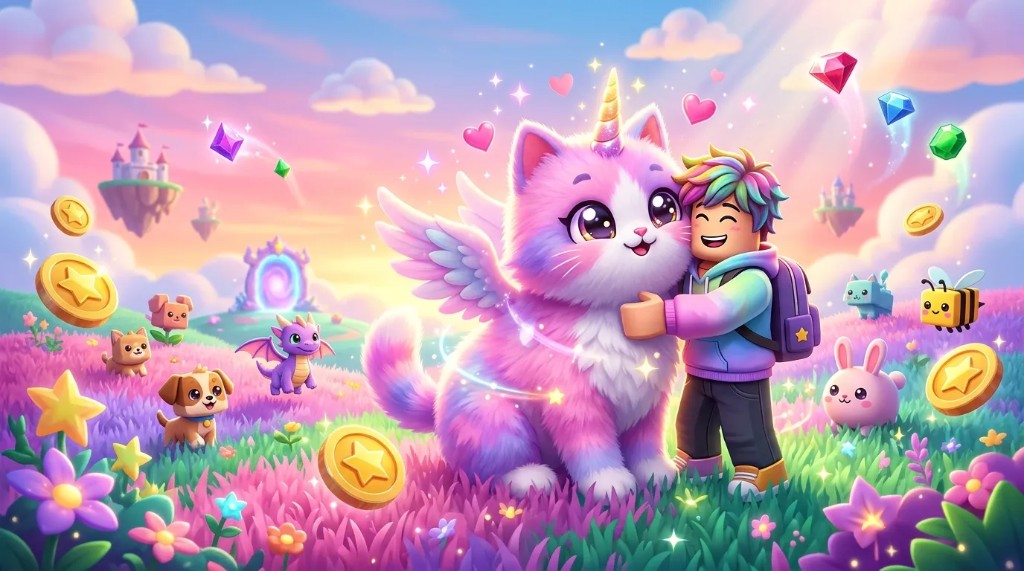
Explore colorful, expressive thumbnail styles for simulator games.
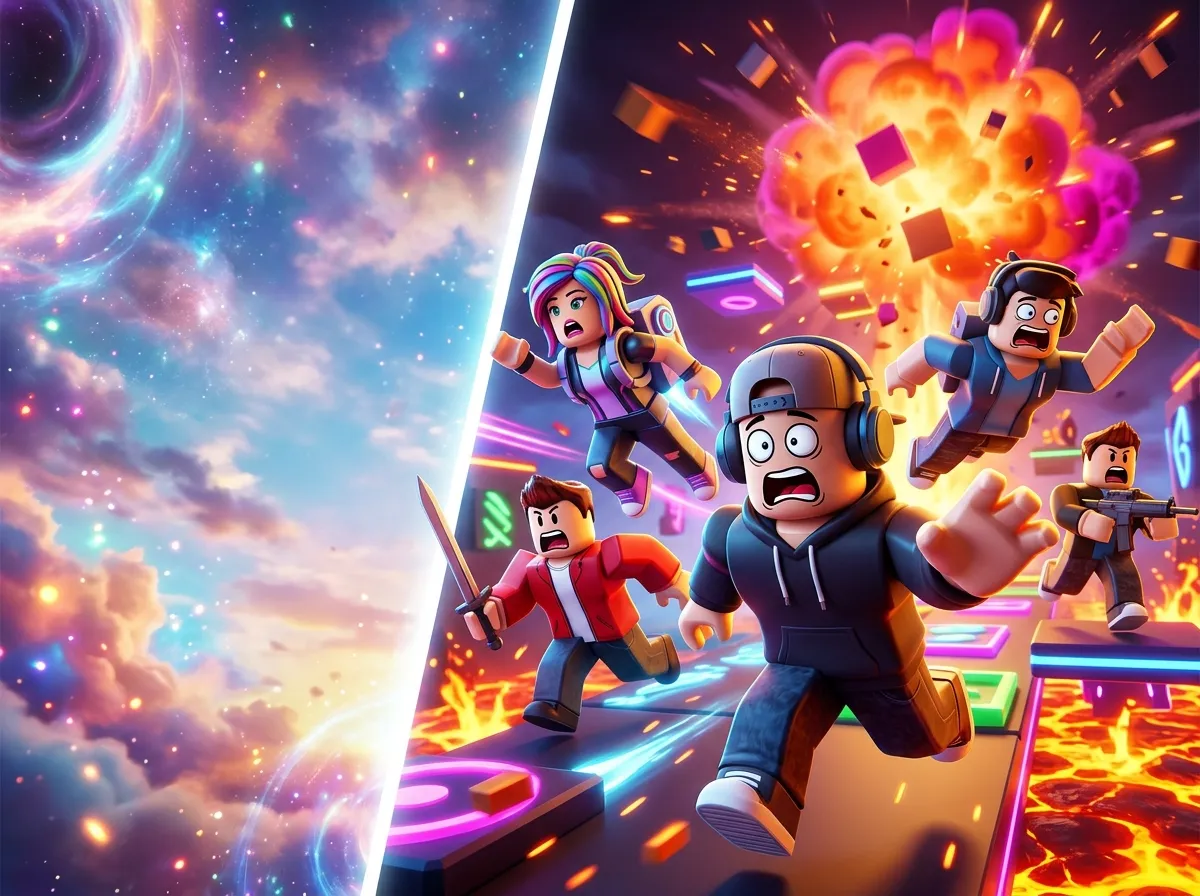
Use the same 16:9 studio to draft bold gaming video covers for Roblox content—outputs depend on your brief and reference image.
The generator defaults to 16:9—compare these Roblox publishing targets before you upload a game cover or icon.
Experience thumbnail
1920 × 1080 px
Experience icon
512 × 512 px minimum
These are platform upload guidelines; your export may differ by model and resolution setting. We last checked Roblox and YouTube docs in October 2026. Official references: Roblox experience thumbnails · Roblox experience icons · YouTube custom thumbnails.
Badge artwork
512 × 512 px
Roblox crops to a circle in UI.
Game pass image
512 × 512 px max
JPG, PNG, or BMP accepted.
Classic shirt / pants
585 × 559 px
Template UV; PNG or JPG.
T-shirt (UV)
585 × 559 px
Same Classic Shirt UV template as long-sleeve shirts; short-sleeve tee layout on panels.
Part / surface texture
512 × 512 px (typical)
Square power-of-two; seamless edges for tiling in Studio.
Group emblem
1:1 square
No single published pixel size.
YouTube video cover
3840 × 2160 px max
16:9; JPG or PNG.
Developer product icon
512 × 512 px max
Square product art; JPG, PNG, or BMP like game passes.
Notes from developers who compared game covers, genres, and visual styles before publishing an experience or uploading a video.
Obby cover picked in one night.
We generated four neon obby directions from the same reference screenshot. The team agreed on a thumbnail before pushing the update live.
YouTube covers match the game.
Same 16:9 studio for Roblox uploads and YouTube—when a video pops, the experience icon and thumbnail feel like one brand.
Bring your next Roblox game thumbnail idea to life. Jump back into the studio above, explore visual styles, generate a concept, and download when you find a direction you like.
Roblox Thumbnail Maker
Upload a reference, pick genre and style, then generate.Samples below—your generations appear in History.
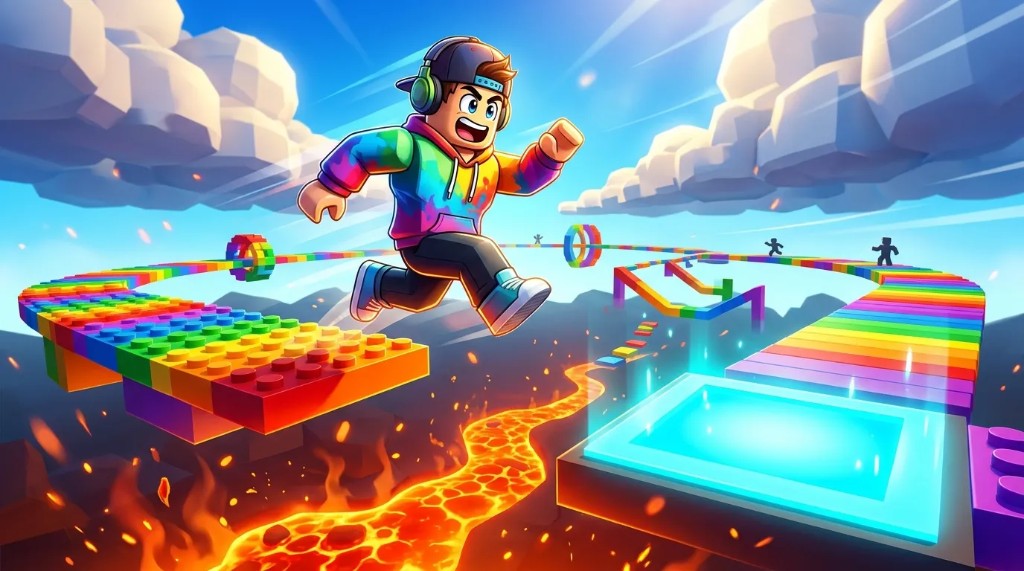
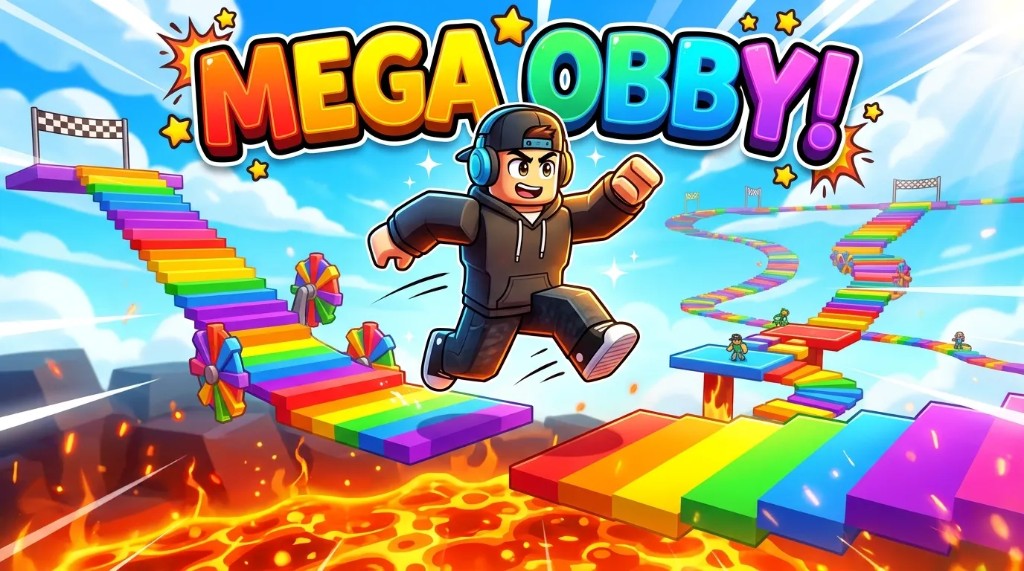
Promptblocky cartoon avatar leaping across floating rainbow obby platforms above a glowing lava river, bright sky, dynamic action angle