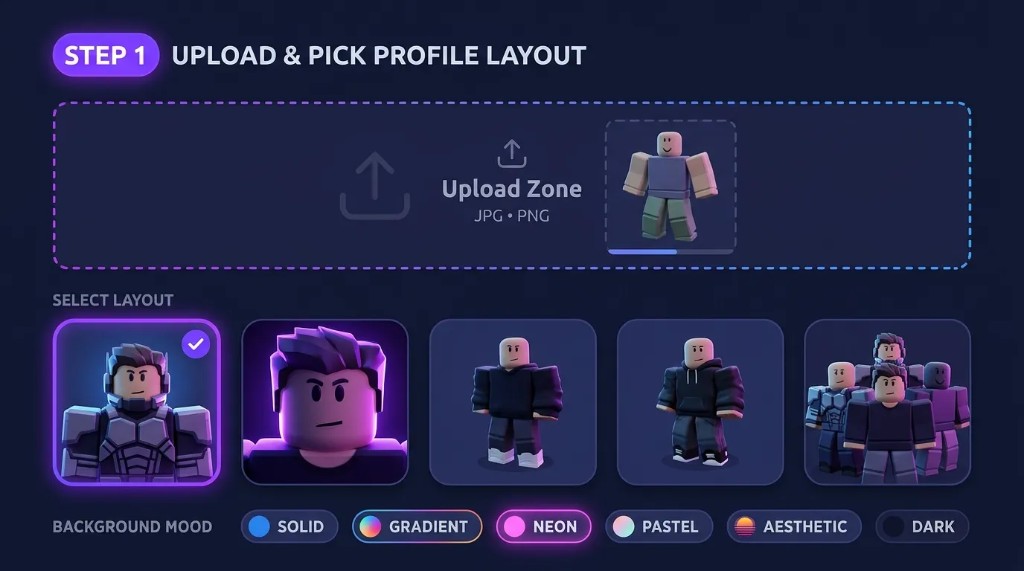
STEP 1
Upload & pick profile layout
Add your avatar reference (optional), choose Head & shoulders, Face close-up, Full avatar, or Matching duo, and pick a background mood.
Create a unique Roblox profile picture from your avatar. Upload a reference, choose portrait settings and background mood in your brief, set 1:1 output, and download a profile-ready image in the editor belowabove.
Free Roblox PFP maker and Roblox profile picture creator—square avatar art for Discord and social from upload, brief, and PNG download.
Need wide character art or banners? Create Roblox GFX Artwork. For game covers, see the Roblox Thumbnail Maker.
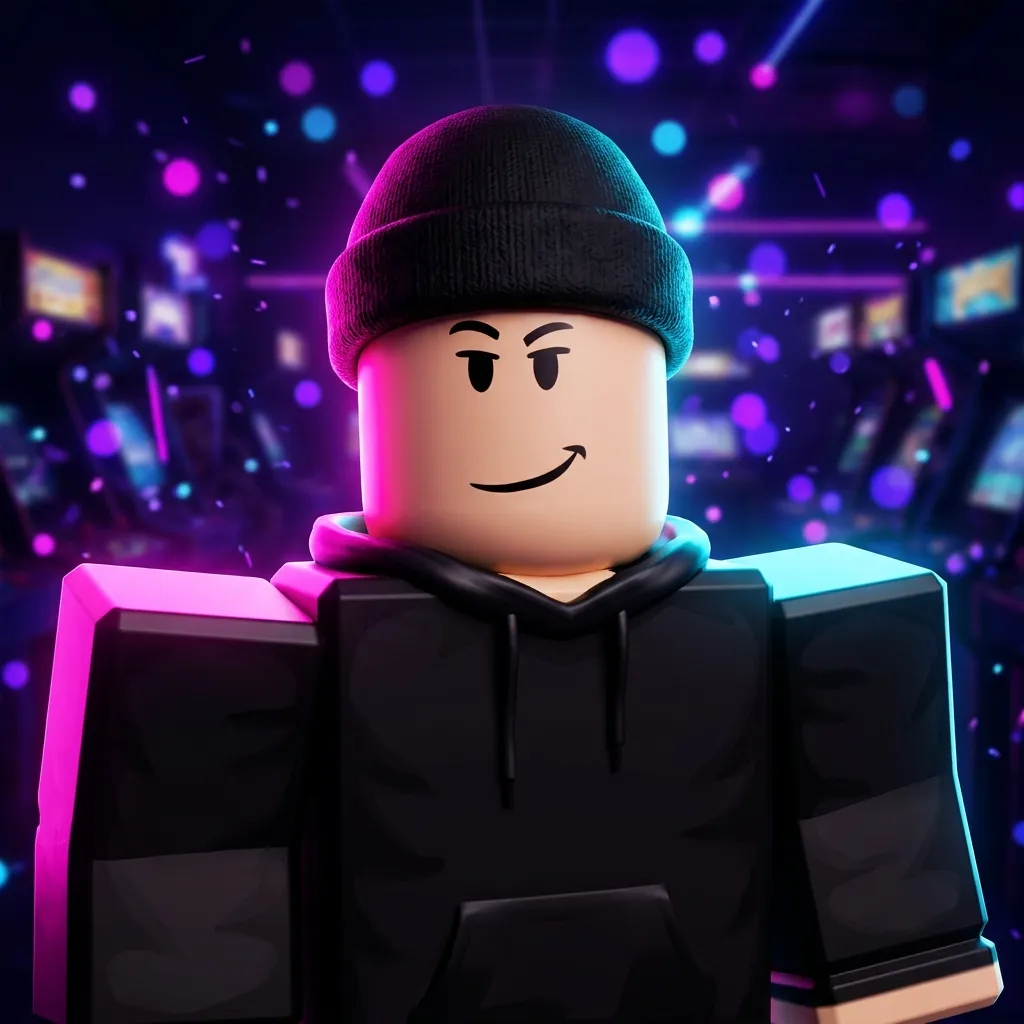
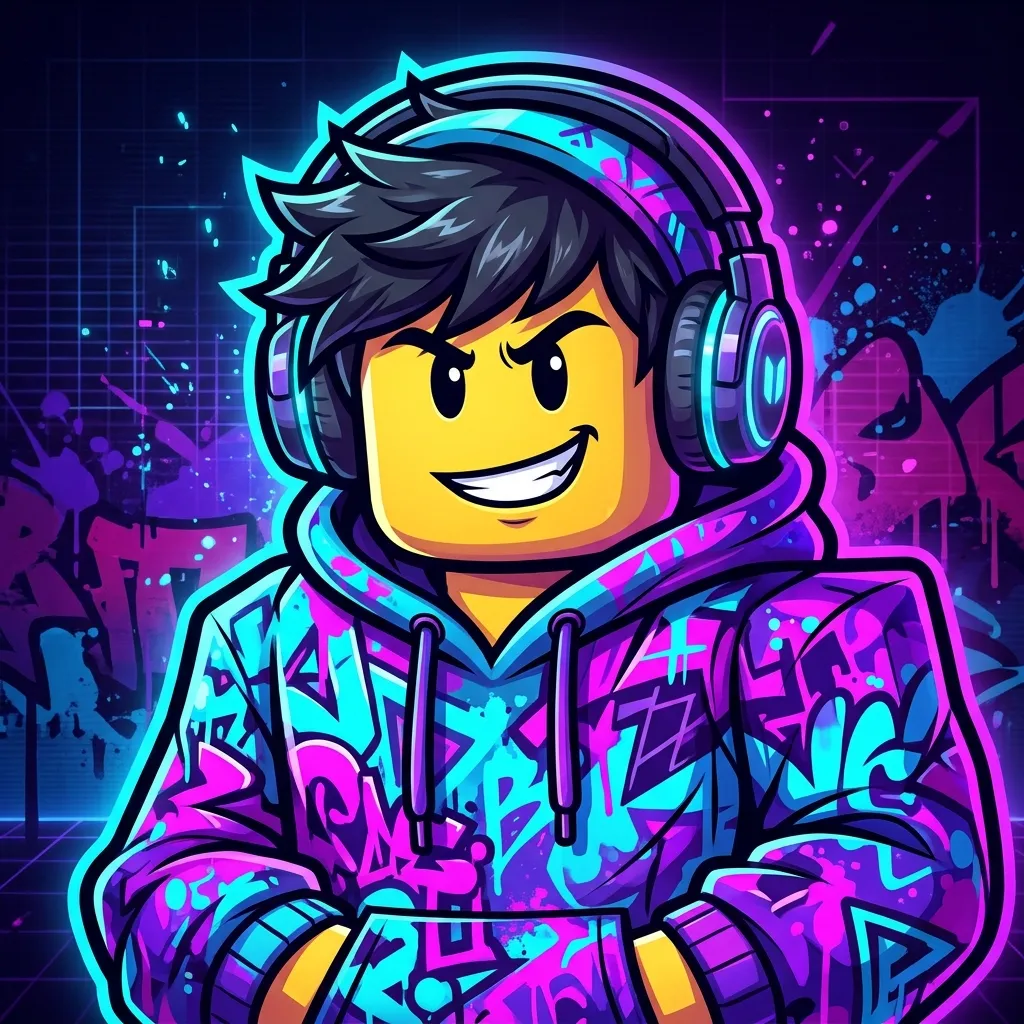
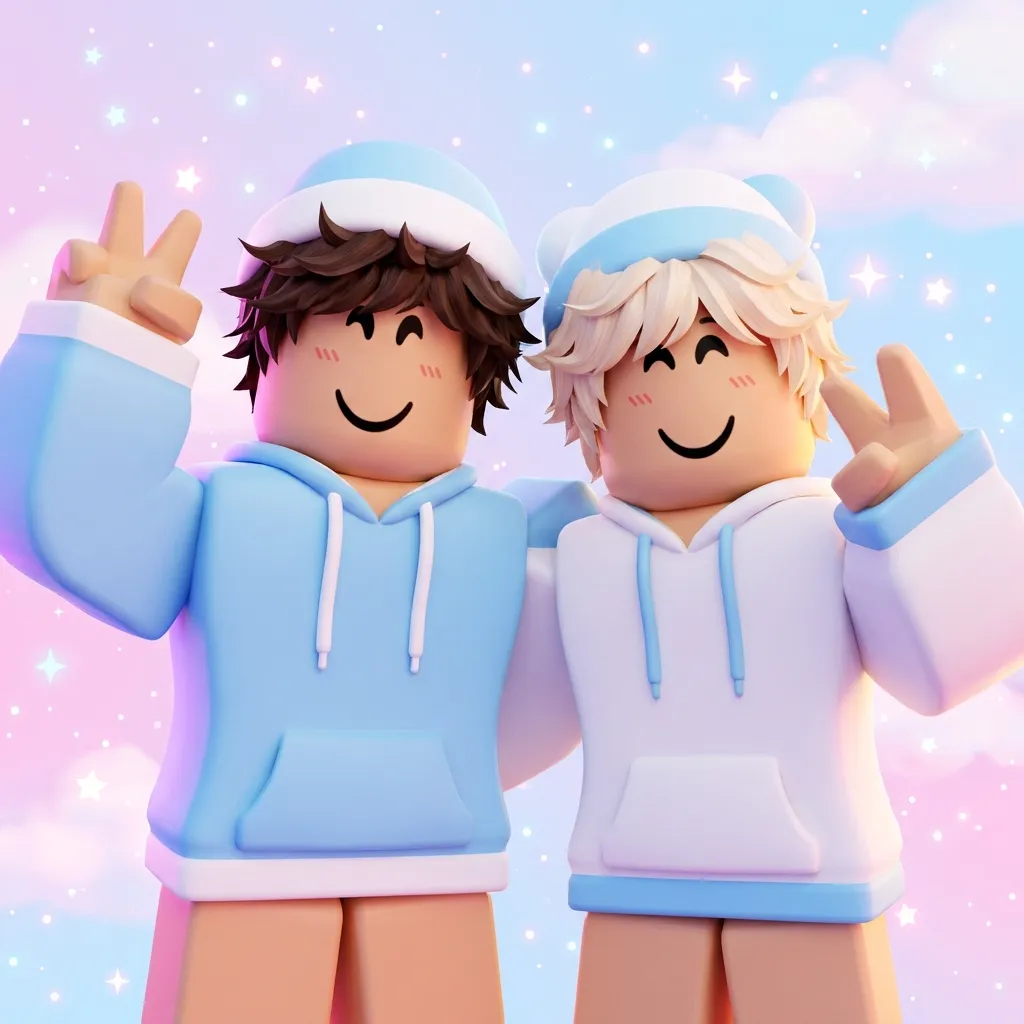
Square profile picture ideas—anime, cute, aesthetic, neon, cartoon, and matching styles. Tap an example to open the editor with that portrait shot and 1:1 output.
Upload an avatar reference, shape backgrounds through your brief and visual style, pick portrait shots, and download high-resolution 1:1 PNGs—only what the editor above supports today.
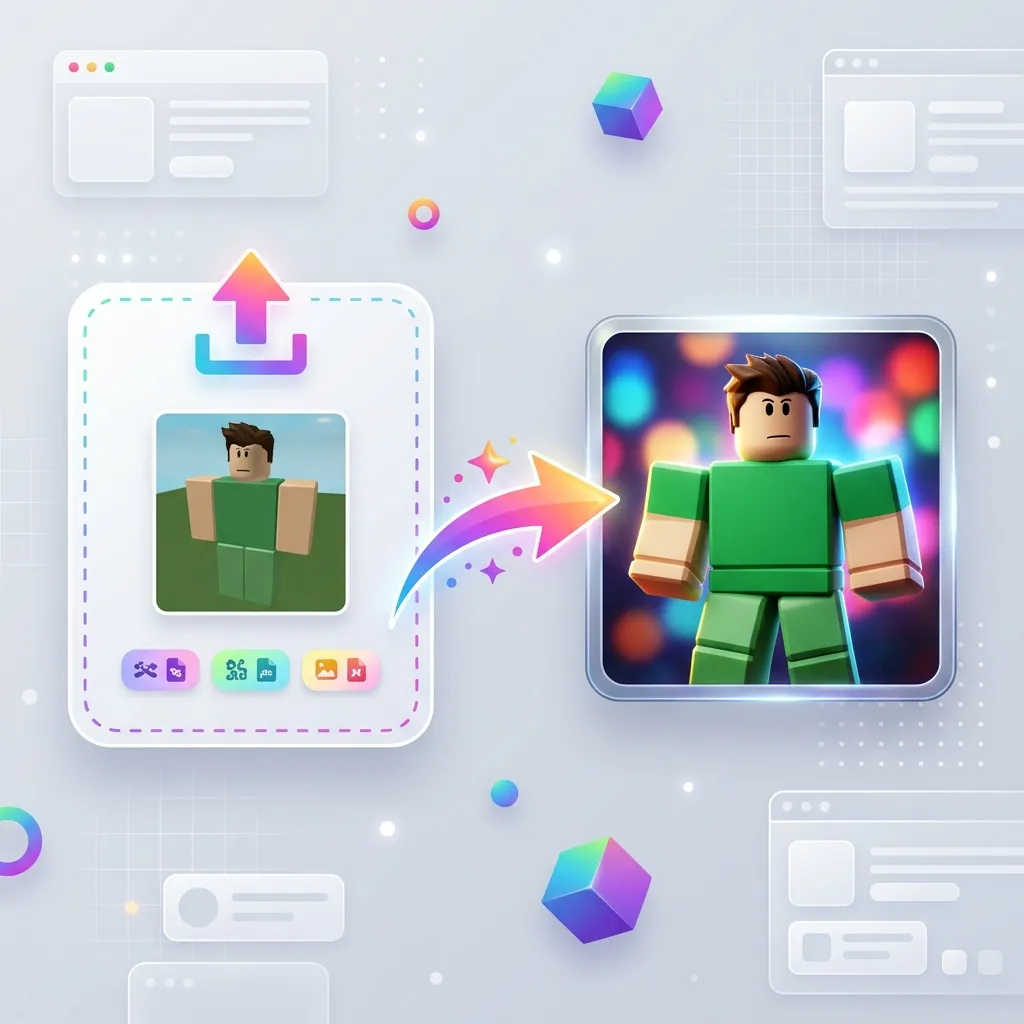
Add a PNG, JPG, or PDF reference you are allowed to use—drag-and-drop supported in the studio. Replace the file anytime before you generate a new square profile picture.
Start Creating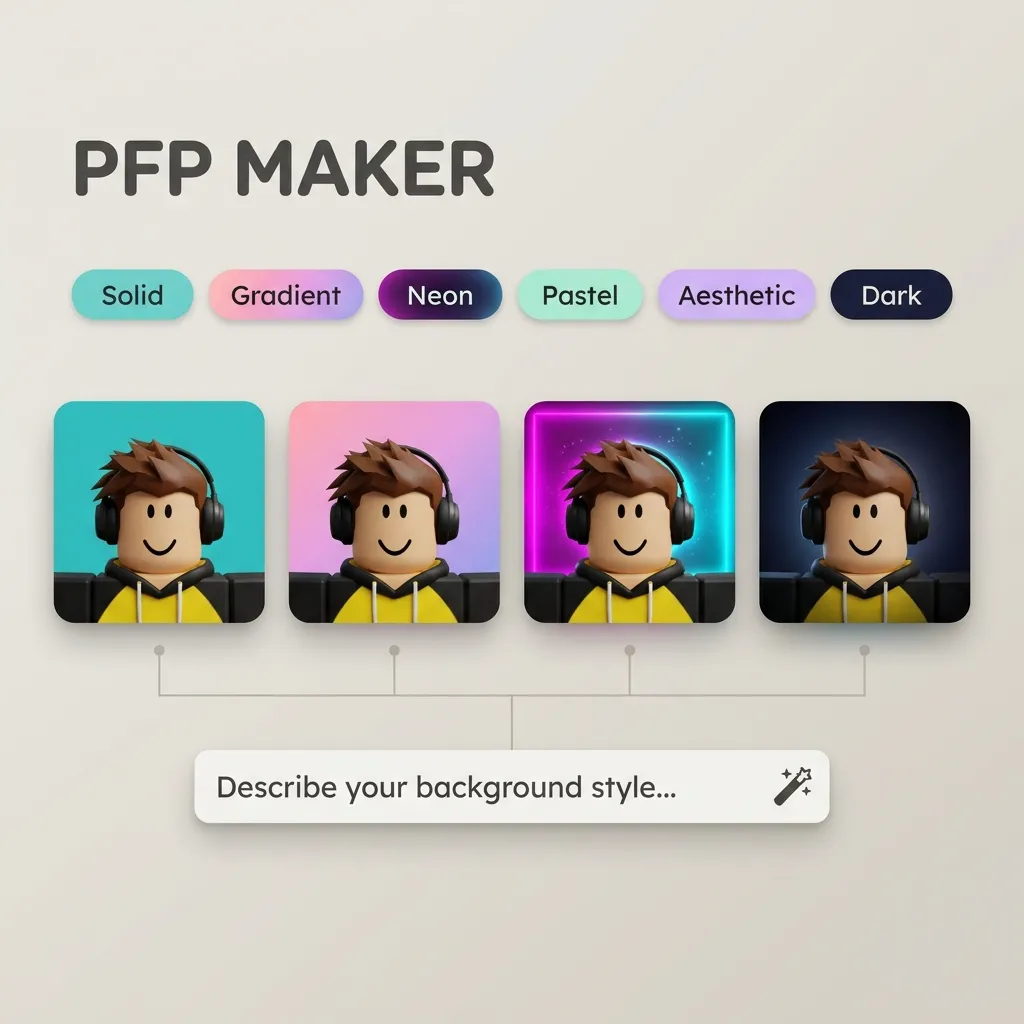
Pick a visual style and describe solid colors, gradients, neon, pastel, aesthetic, or dark moods in your brief. The generator composes the background as part of your 1:1 portrait—no separate frame editor.
Browse PFP examples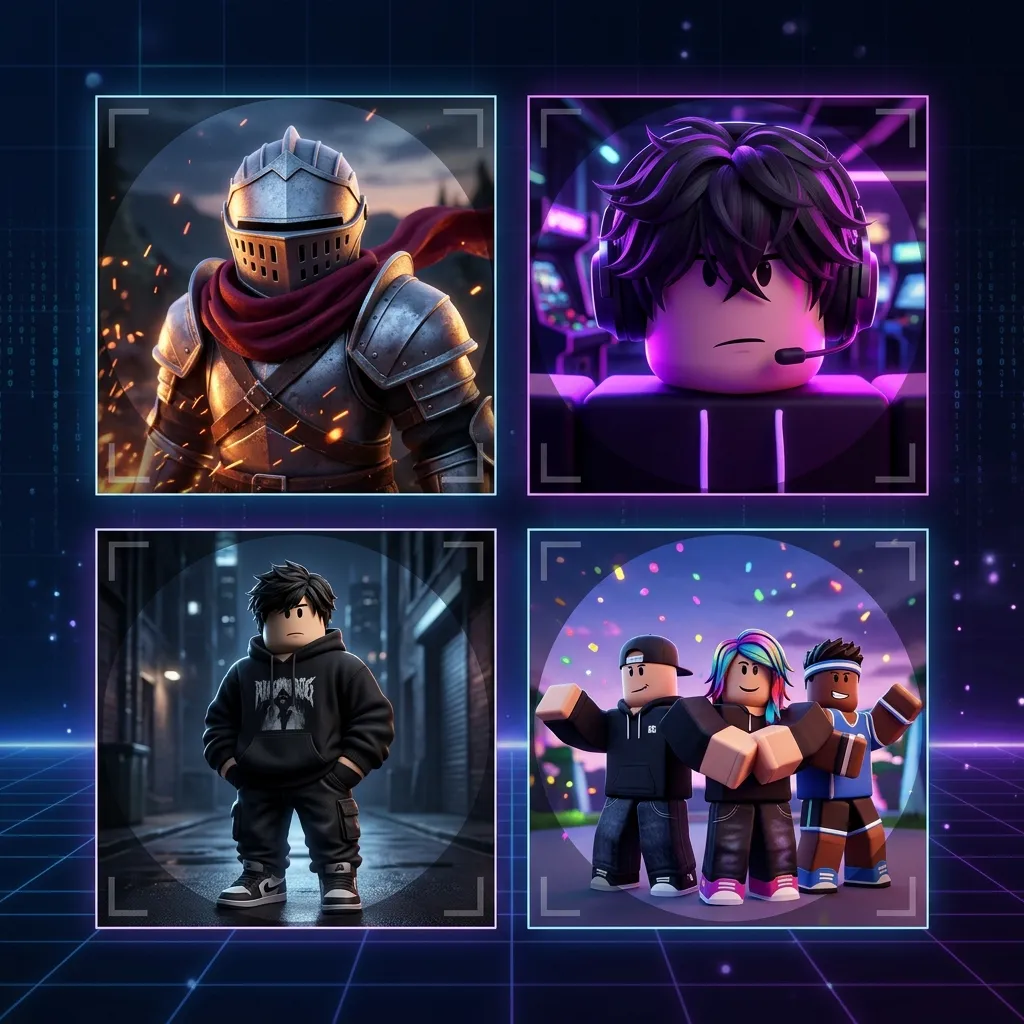
Hero close-ups and full-body fits keep faces readable when Discord or other apps crop to a circle. Choose a shot preset, set 1:1 output, and center the subject in your description.
Open the editor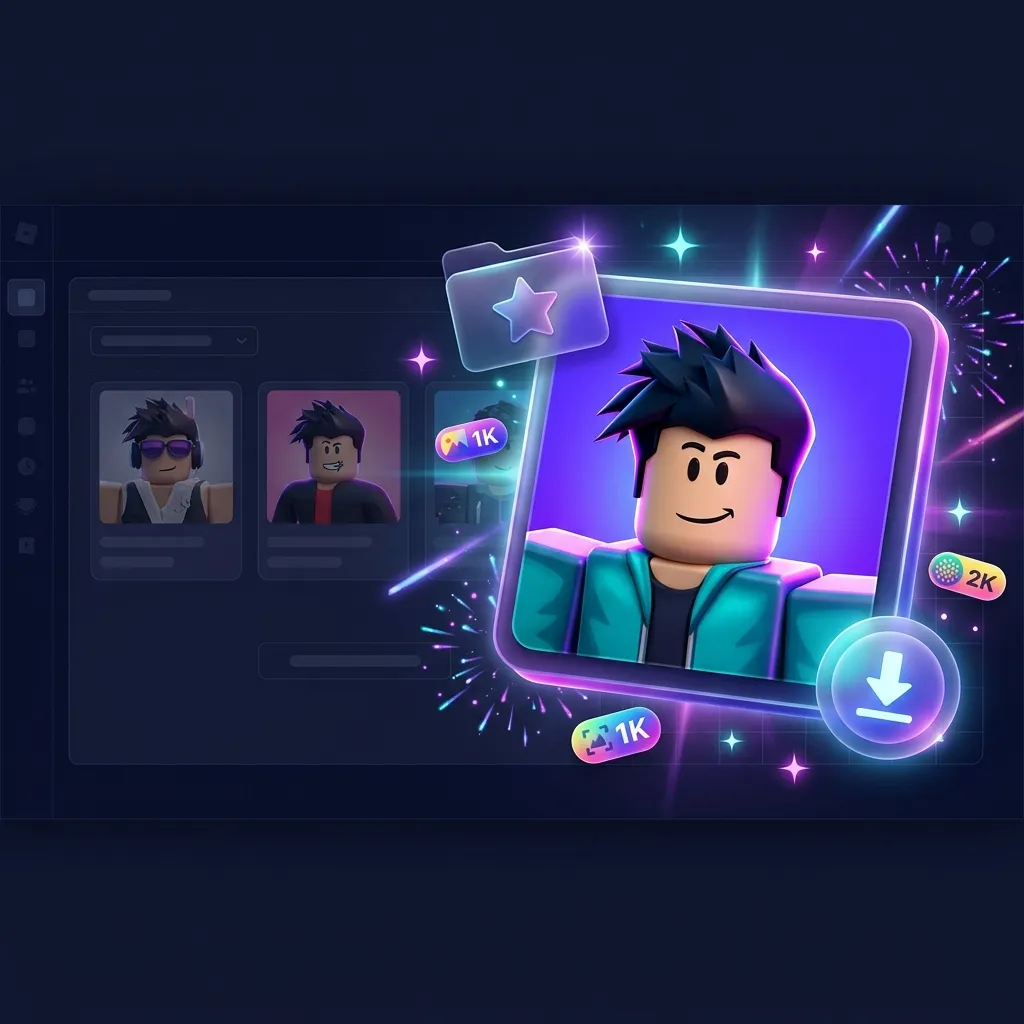
Preview variants, save favorites to Projects, and download PNGs from History. Exports use your selected resolution at 1:1—resize to 512×512 or larger if your platform recommends it.
Create my PFPFollow these three steps in the editor at the top of this page—upload and pick layout, generate your 1:1 portrait, then download the PNG.
Add your avatar reference (optional), choose Head & shoulders, Face close-up, Full avatar, or Matching duo, and pick a background mood.
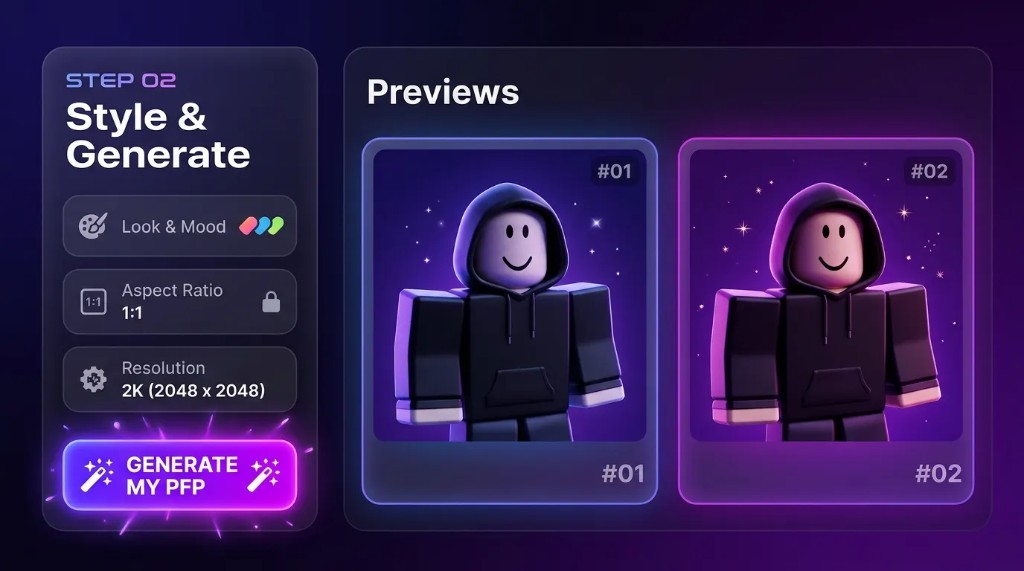
Set Look & mood, write your profile picture brief, keep 1:1 output, then generate and compare variants in Preview.
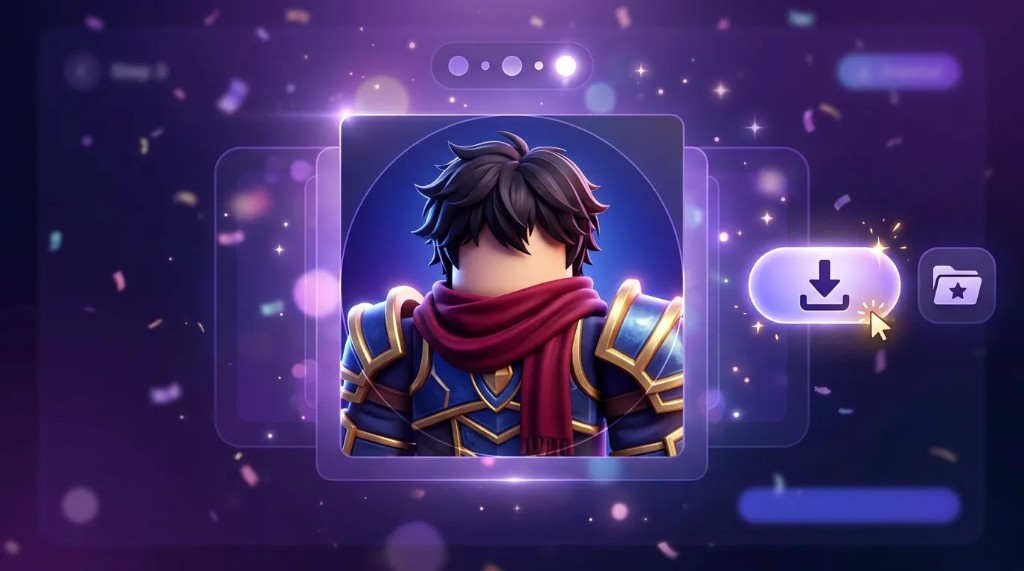
Open History, download PNG, and upload to Discord or social—crop to a circle in the app if you want a round avatar.
Personalize your Roblox avatar picture for Discord, groups, and social profiles—different moods you can describe in the brief.
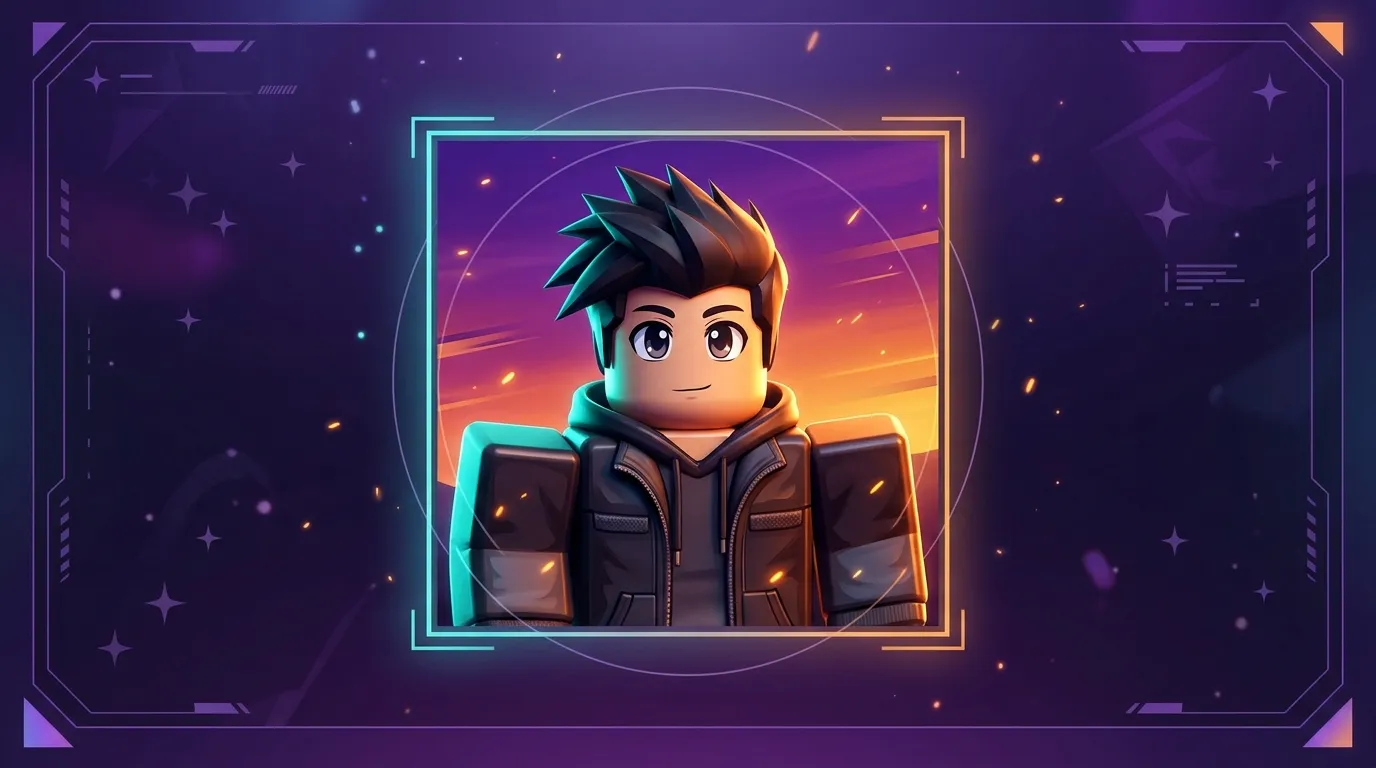
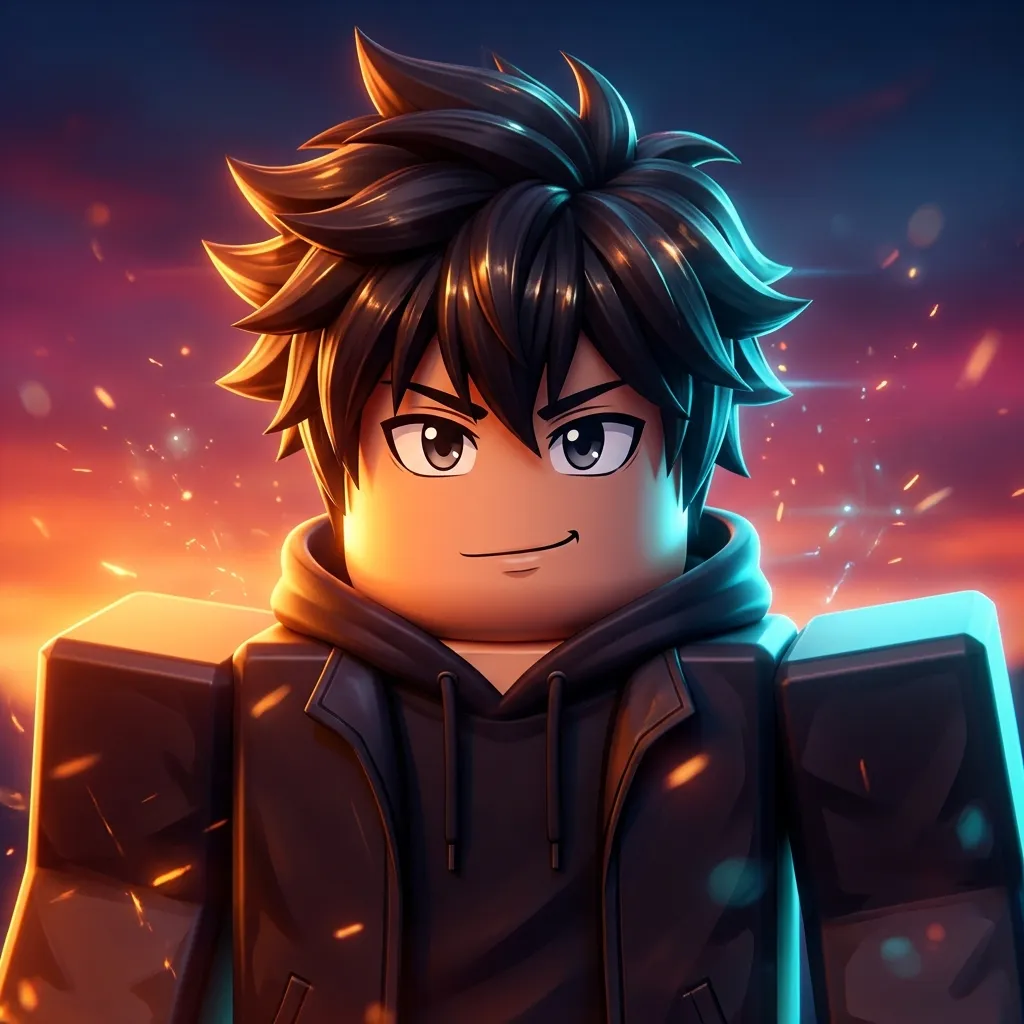
Describe bold linework, expressive eyes, and saturated skies—hero shot presets work well for anime-inspired avatars.
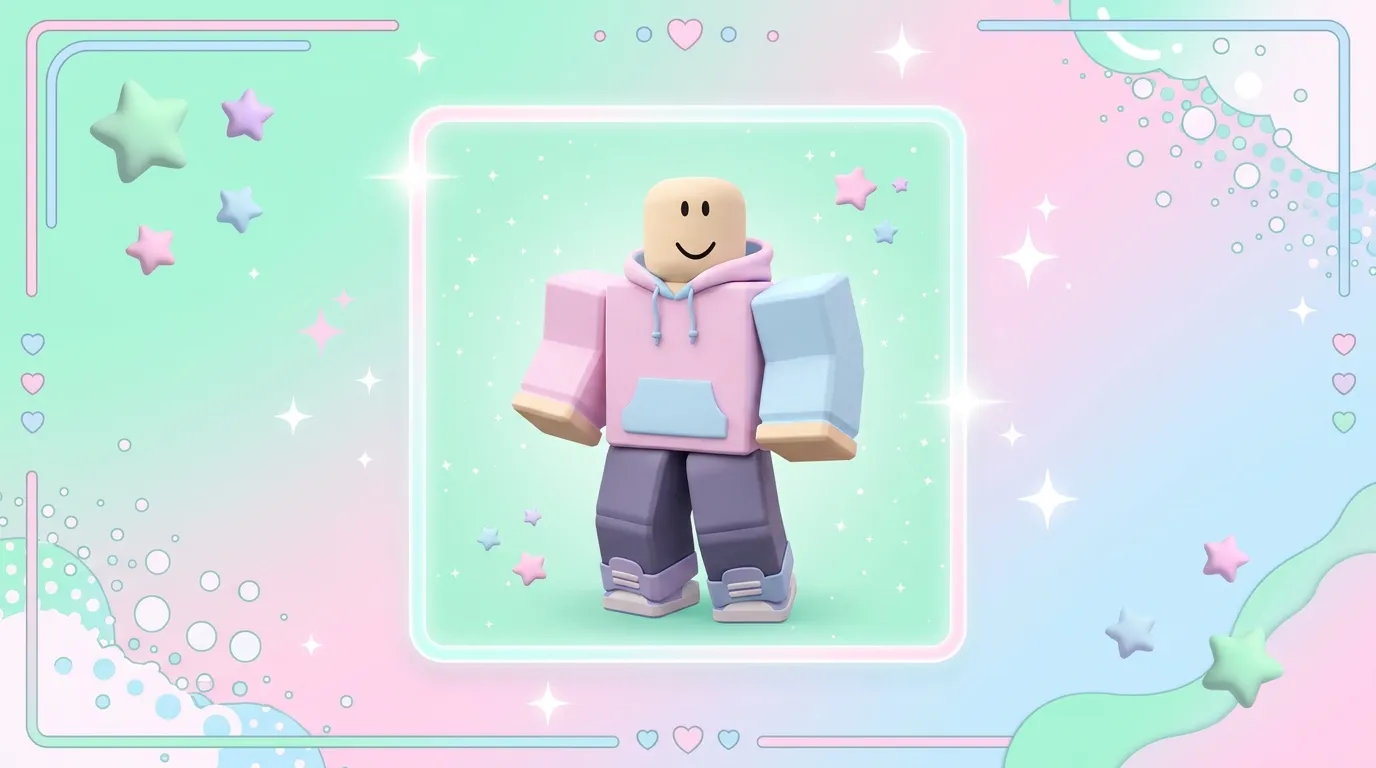
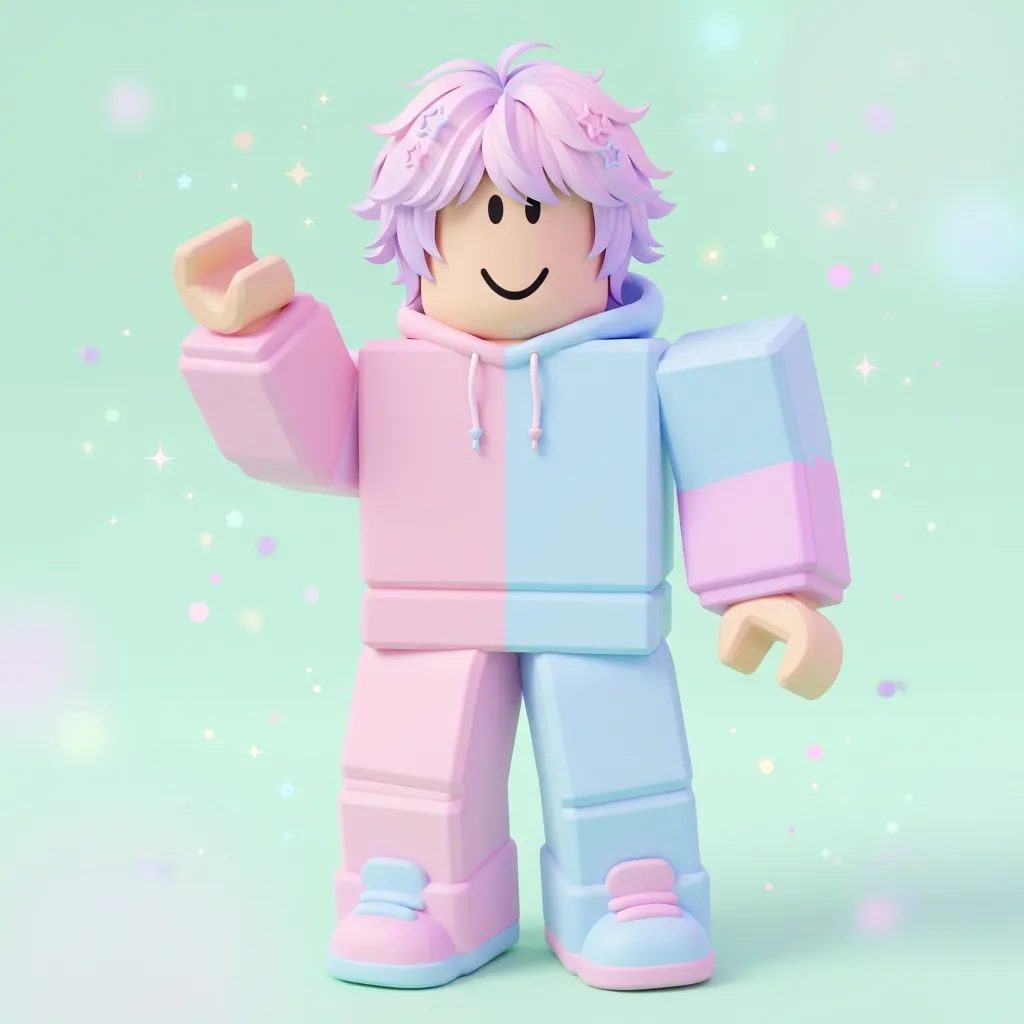
Soft pastels, friendly poses, and simple backgrounds keep a playful look at small sizes.
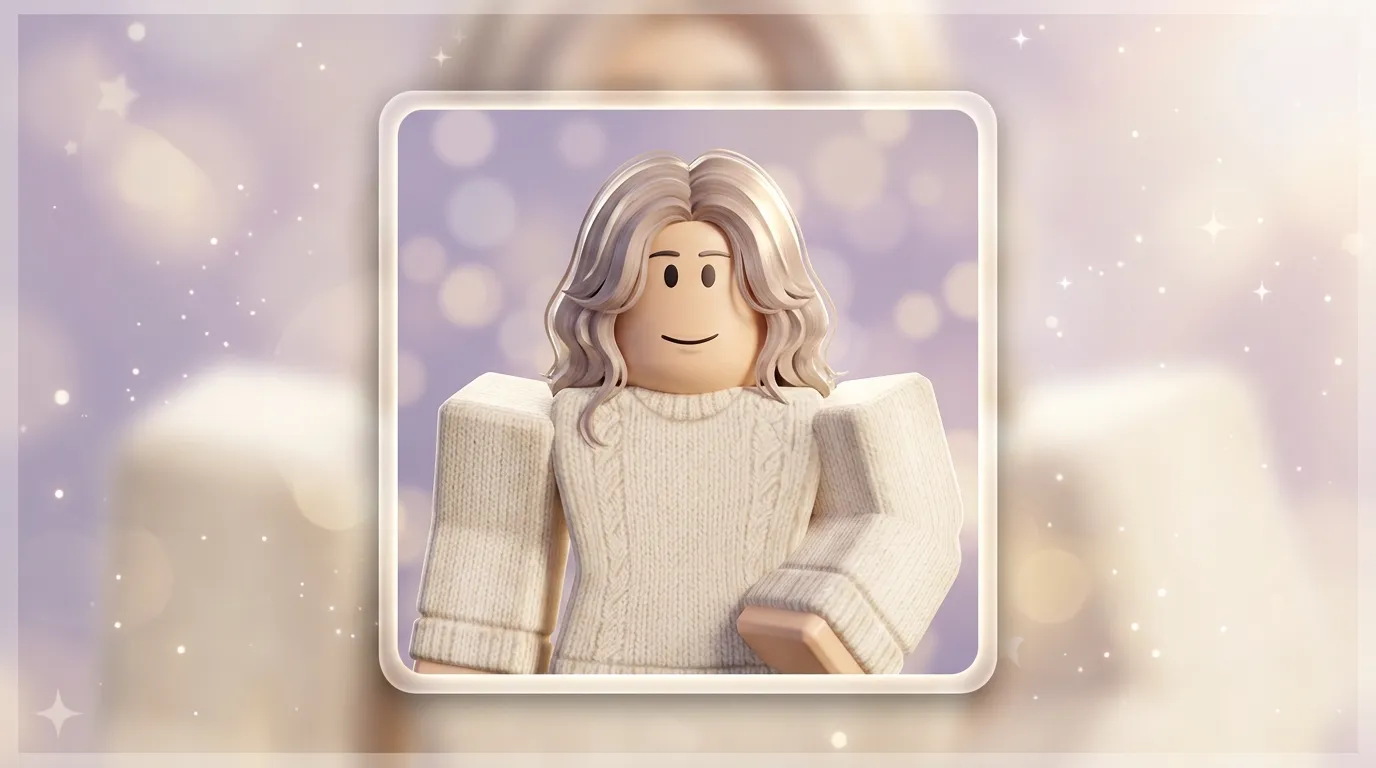
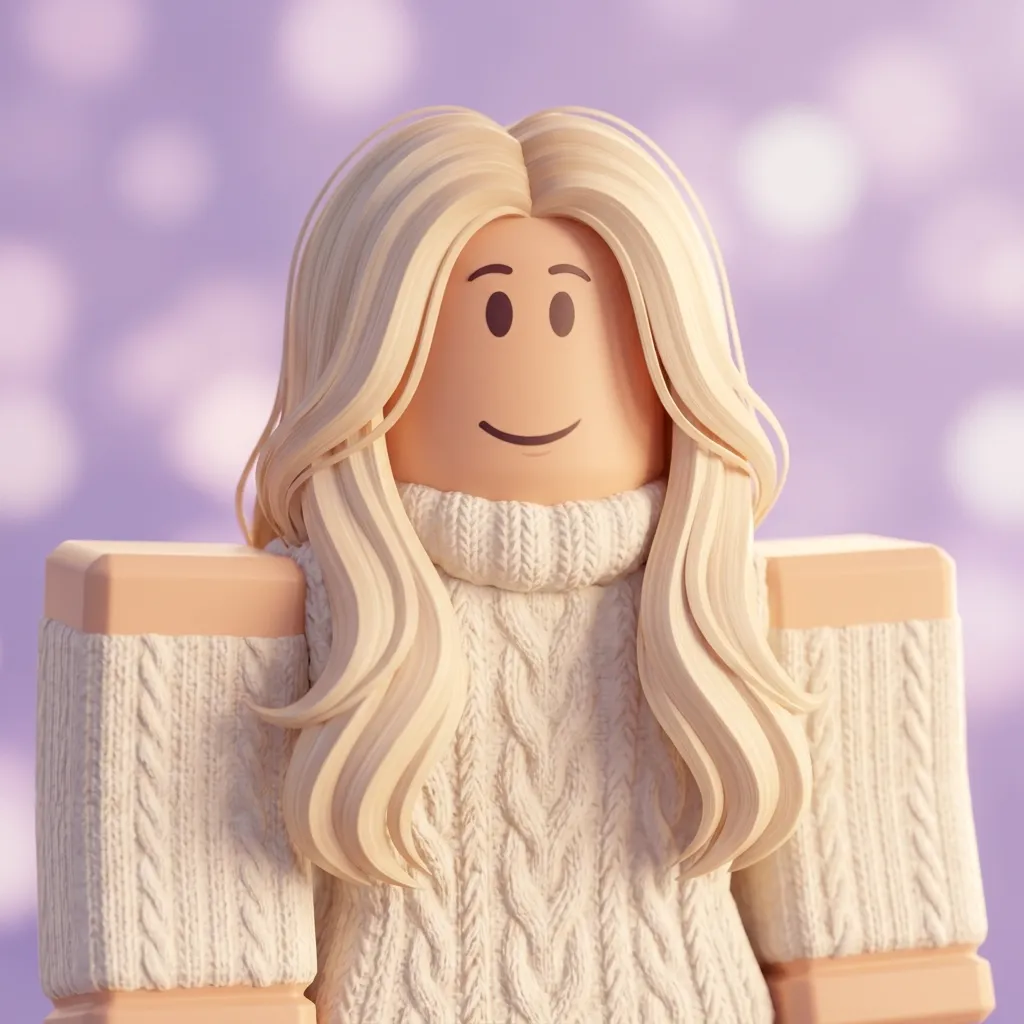
Muted gradients, bokeh, and coordinated outfit colors for cohesive profile feeds.
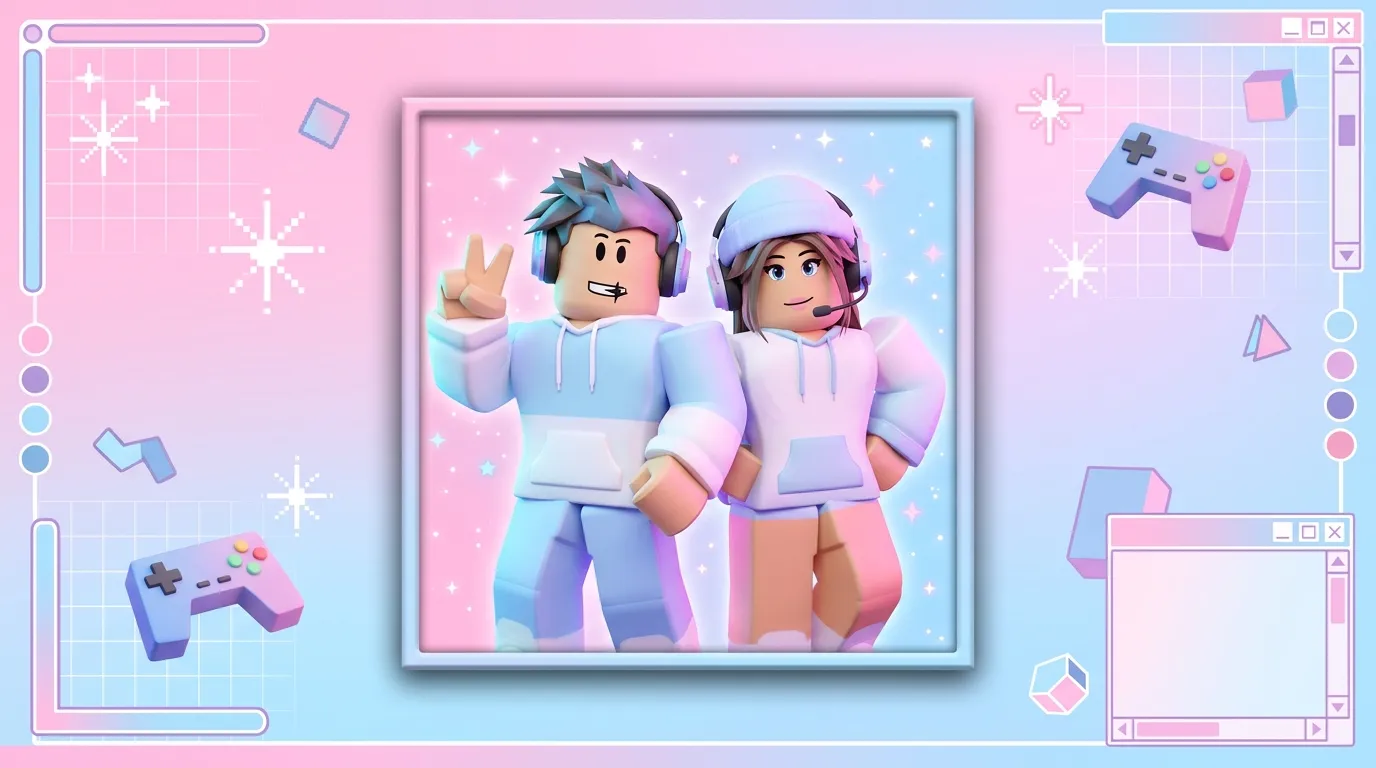
Use the group shot preset and shared color notes so friends or clan members match.
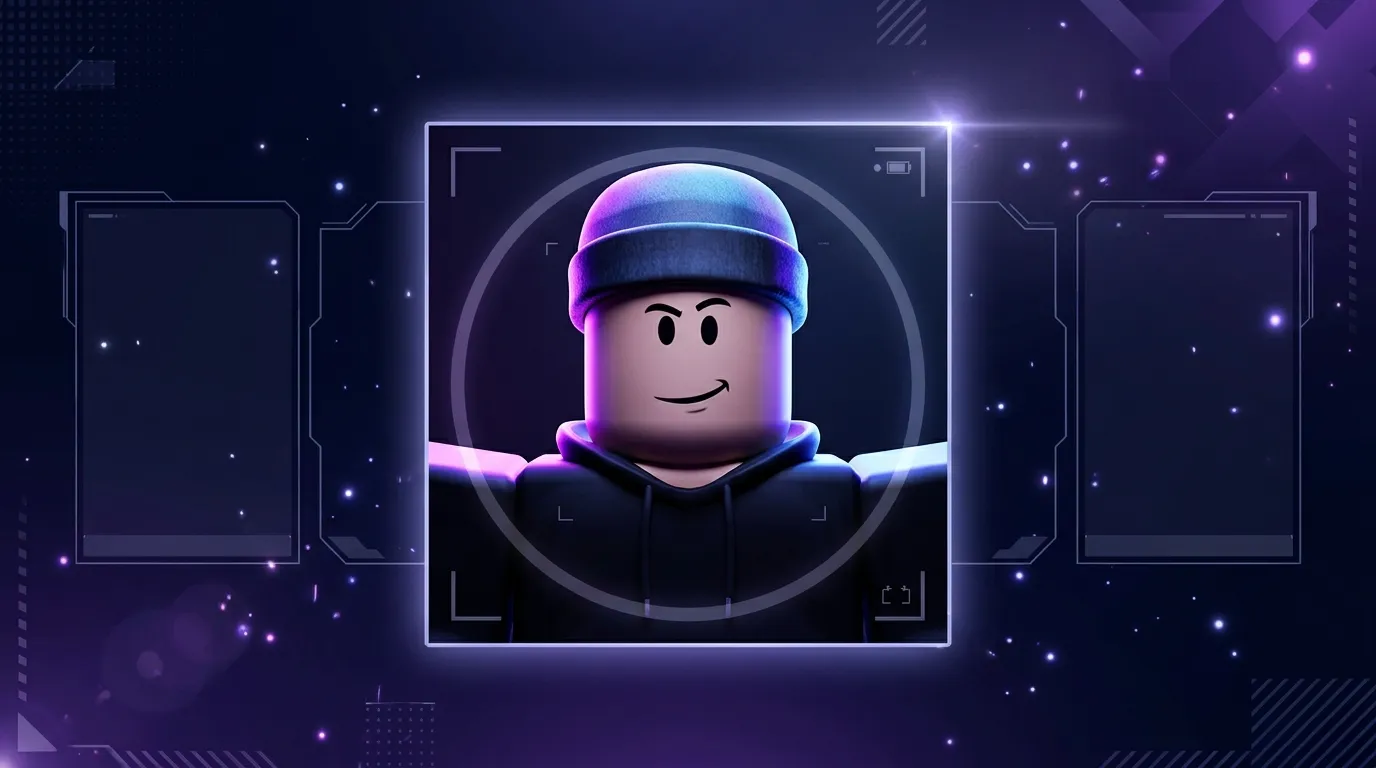
Square 1:1 PNGs with the face centered read clearly at Discord avatar sizes after a circular crop.
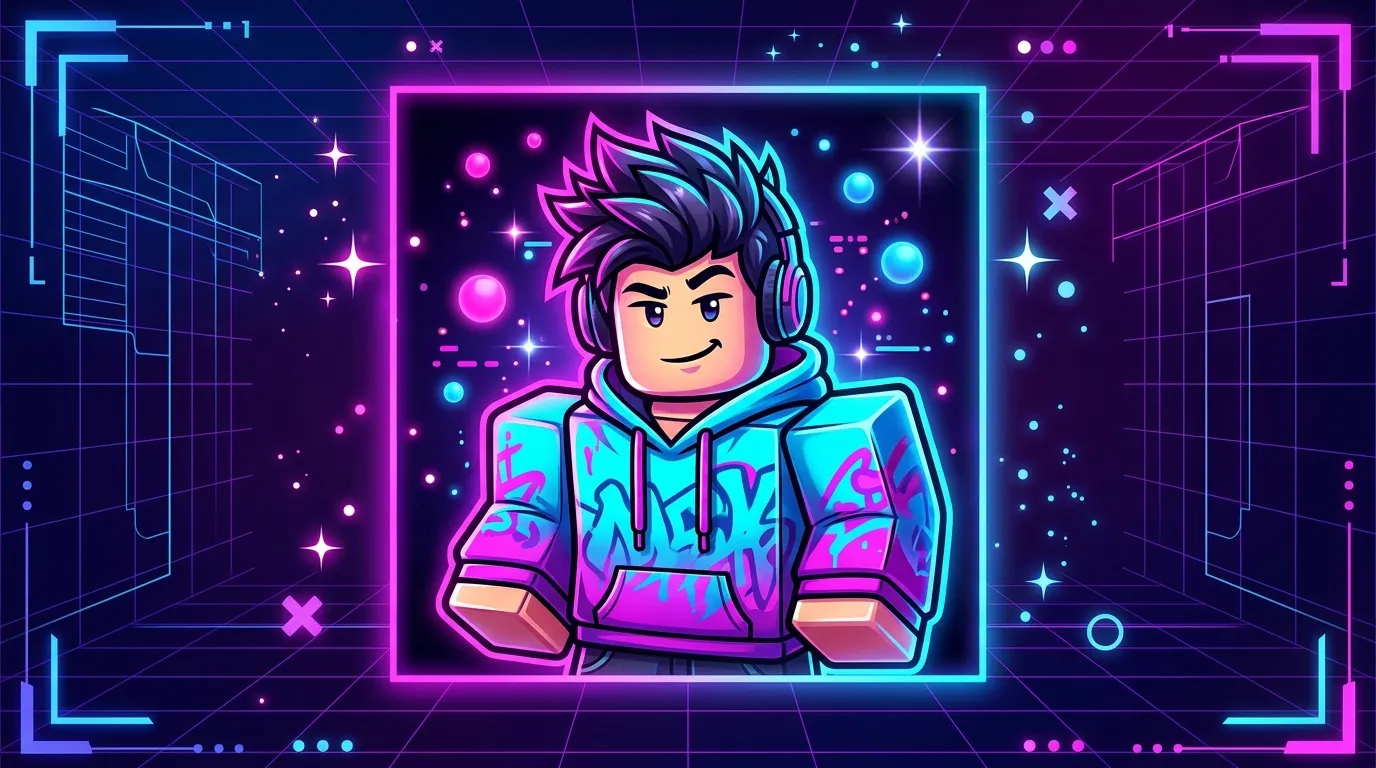
Neon rim light, promo layouts, or action poses for high-energy gaming profiles.
Keep the face centered for circular crops on Discord. Describe simple backgrounds in your brief, keep 1:1 output selected, and download PNGs from History. This editor generates portraits—it does not replace Roblox's in-app avatar editor.
Start CreatingNotes from players who refreshed Discord avatars, matched duo profile pictures, and kept faces readable after a circular crop.
Discord avatar finally matches my fit.
I uploaded an old render, picked head-and-shoulders and a neon background, and got a square PNG that still reads after Discord crops it to a circle.
Clan icon refresh without Blender.
Our group wanted consistent square avatars. Upload + profile layout + shared color notes in the brief beat our old screenshot-and-crop workflow.
Jump back into the Roblox PFP maker, upload or describe your avatar, pick a portrait shot with 1:1 output, and download a PNG for Discord or social profiles.
Profile picture · 1:1 output
Roblox PFP Maker
Upload your avatar, pick profile layout and background, choose look & mood, then generate a 1:1 profile picture.Samples below—your PFP generations appear in History.
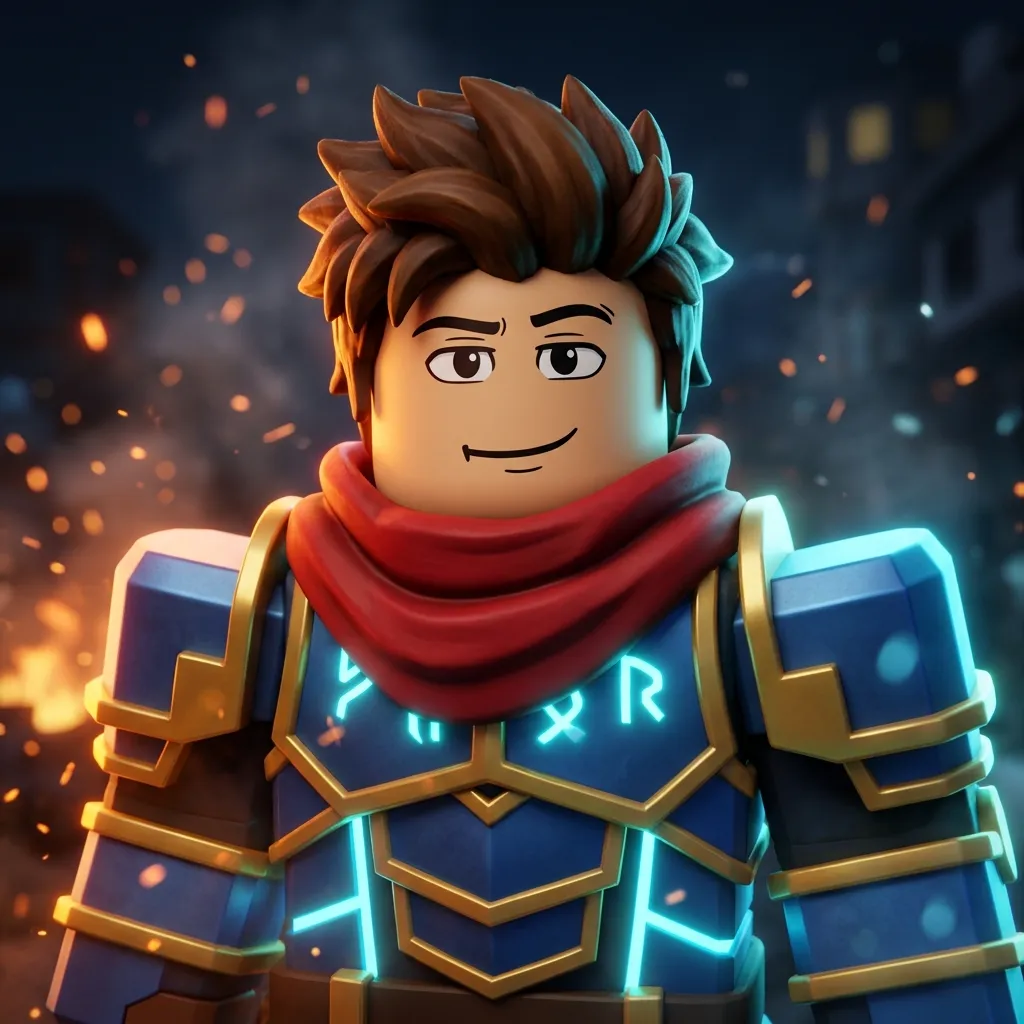
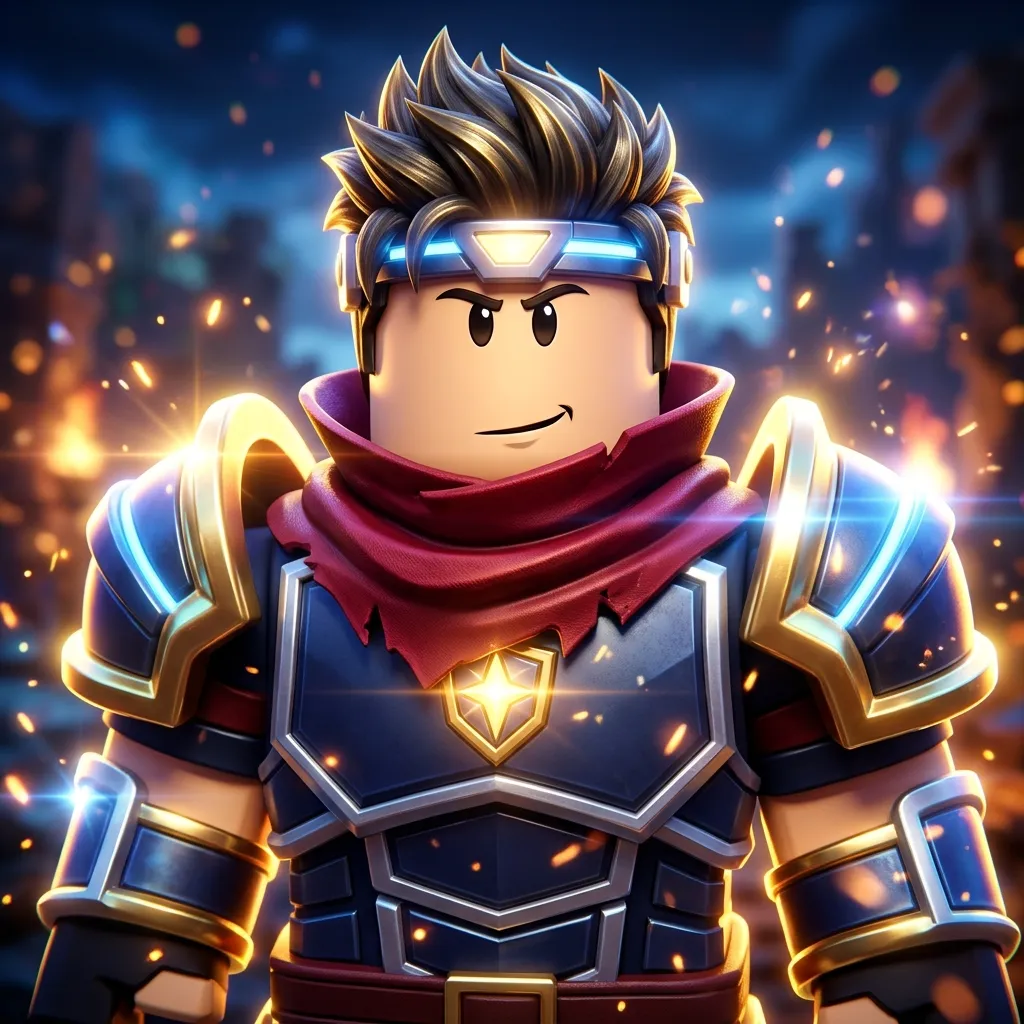
PromptSquare 1:1 Roblox profile picture, head-and-shoulders bust: one blocky R15 Roblox player avatar, classic Roblox face with simple cartoon eyes and confident smirk, spiky brown Roblox hair, red scarf, blue-and-gold knight torso armor with glowing cyan trim, plastic matte skin and cylindrical block arms, cinematic rim light, shallow depth of field, blurred blocky city embers in background, Roblox GFX commission art—not a realistic human, not Fortnite, not Studio UI screenshot, no watermark, no text.