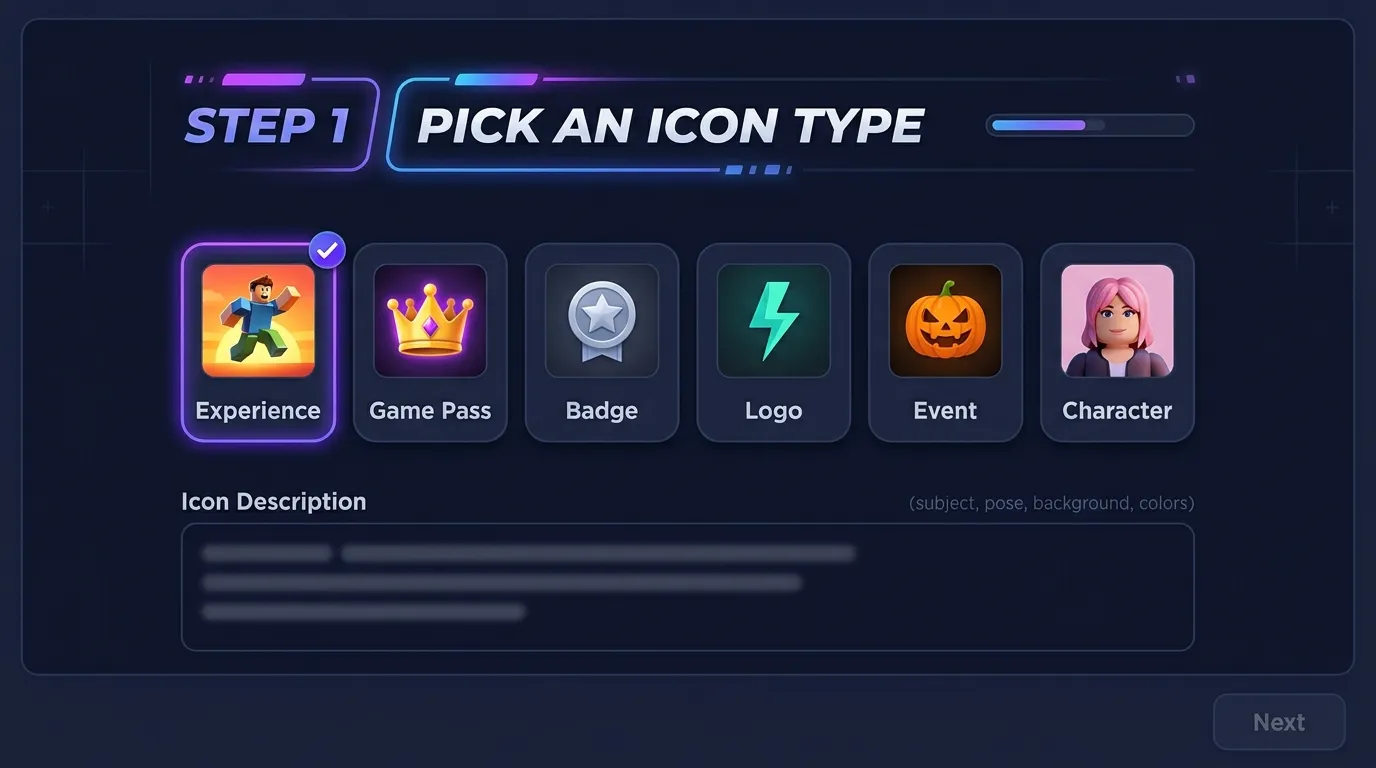
STEP 1
Pick an Icon Type
Choose Experience, Game Pass, Badge, Logo, Event, or Character—then add your icon description.
Create experience icons, game pass art, badges, and logo marks. Pick an icon type, describe colors and subject, and generate 1:1 artwork in the studio belowabove.
Roblox Icon Maker for square Creator Hub uploads—experience tiles, passes, and badges from text and optional reference uploads.
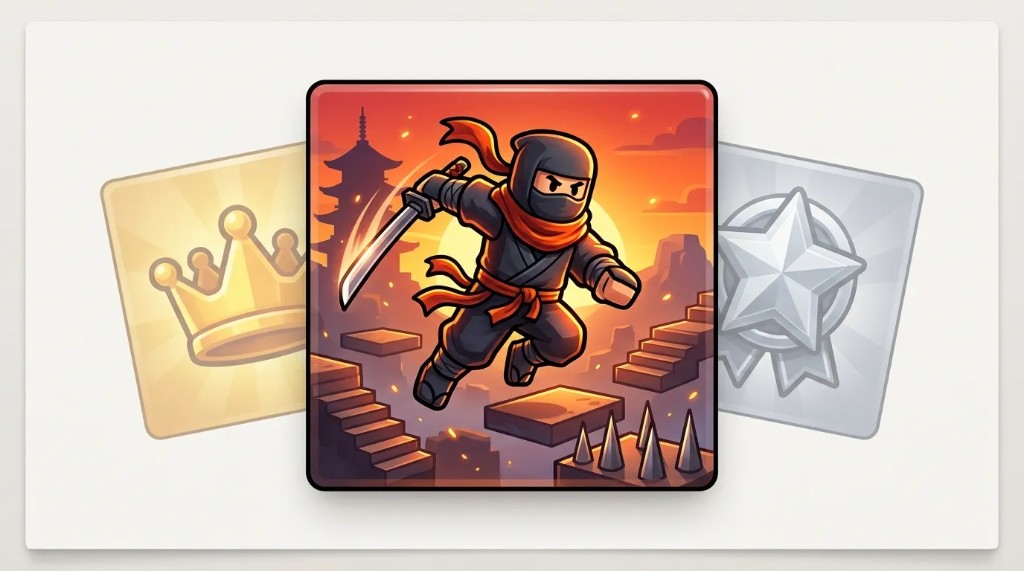
Experience icons, game passes, badges, and logo marks made with the Roblox Icon Maker. Tap an example to open the Icon tab with that preset.
Icon type presets, visual styles, and 1:1 output in one browser studio—built for Creator Hub uploads.
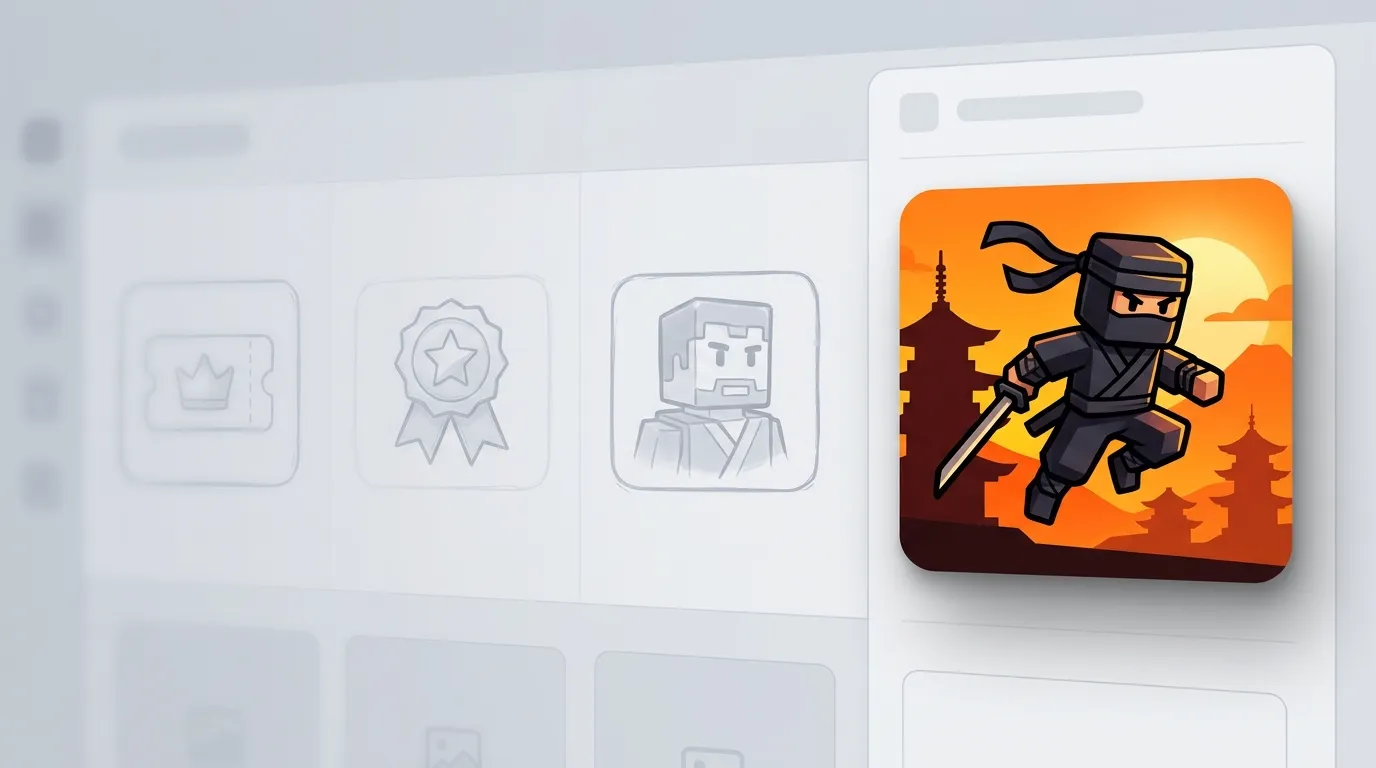
Describe your subject, colors, and mood. The Roblox Icon Maker turns your brief into square artwork sized for experience icons, game passes, and badges—without opening a separate design app.
Create my icon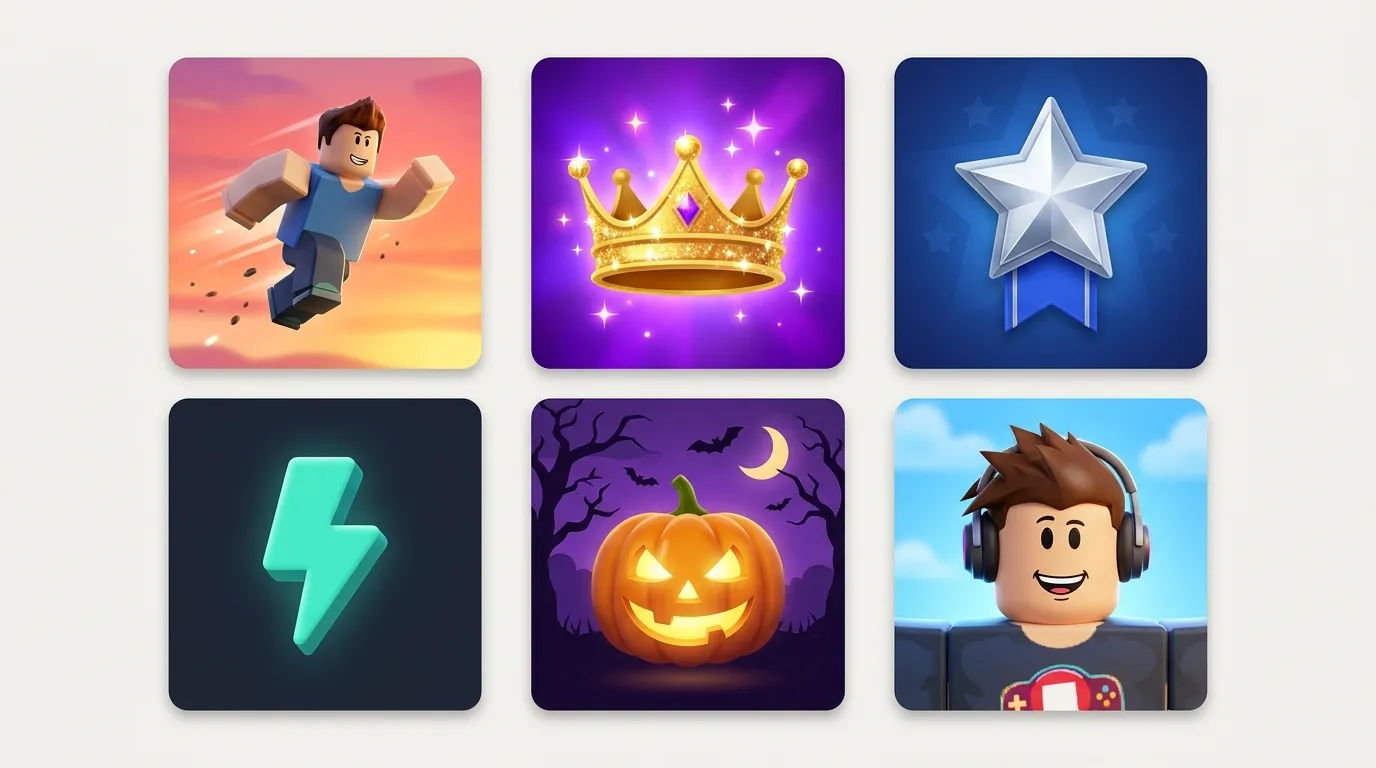
Experience icons, game passes, badges, logo marks, seasonal events, and character portraits. Pick a preset, then refine with your icon description and visual style.
Browse examples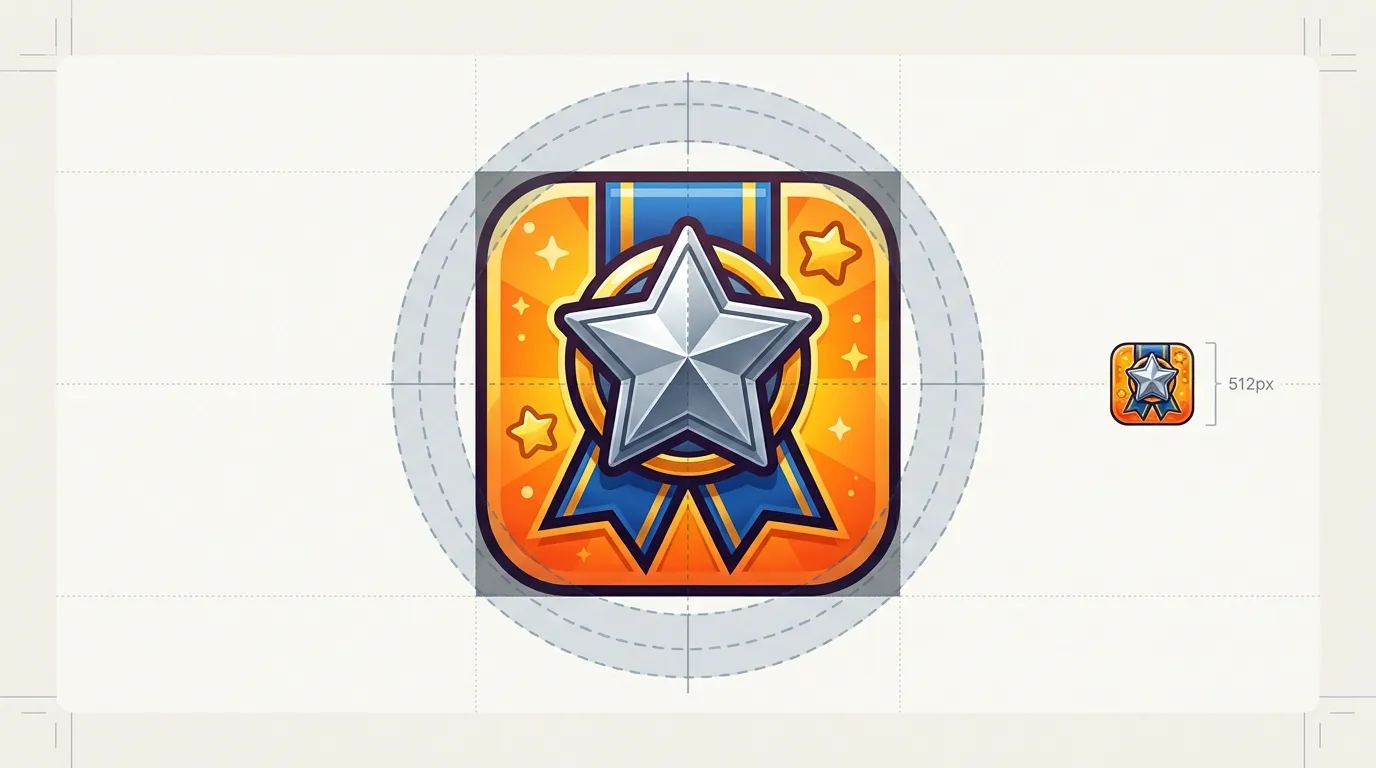
Generate at 1:1 aspect ratio so key shapes stay centered. Badges and group emblems need extra margin—Roblox crops badges to a circle in the UI.
Open the studio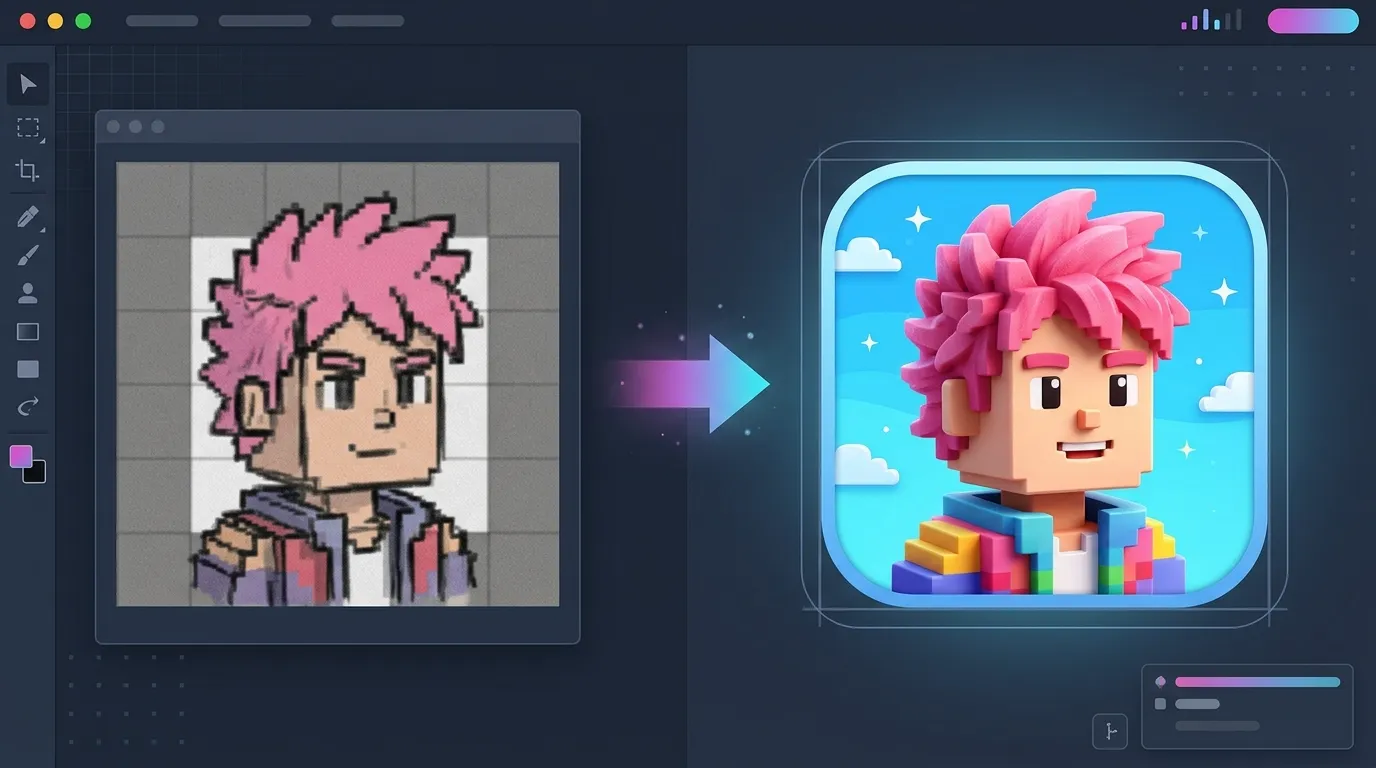
Optional screenshots or logo sketches help match an existing character or brand. Combine upload + text for closer likeness while keeping edges clean for 512×512 exports.
Generate an iconThe walkthrough below matches the Icon tab in the studio at the top of this page—pick a type, describe your icon, generate, and download.
Choose Experience, Game Pass, Badge, Logo, Event, or Character—then add your icon description.
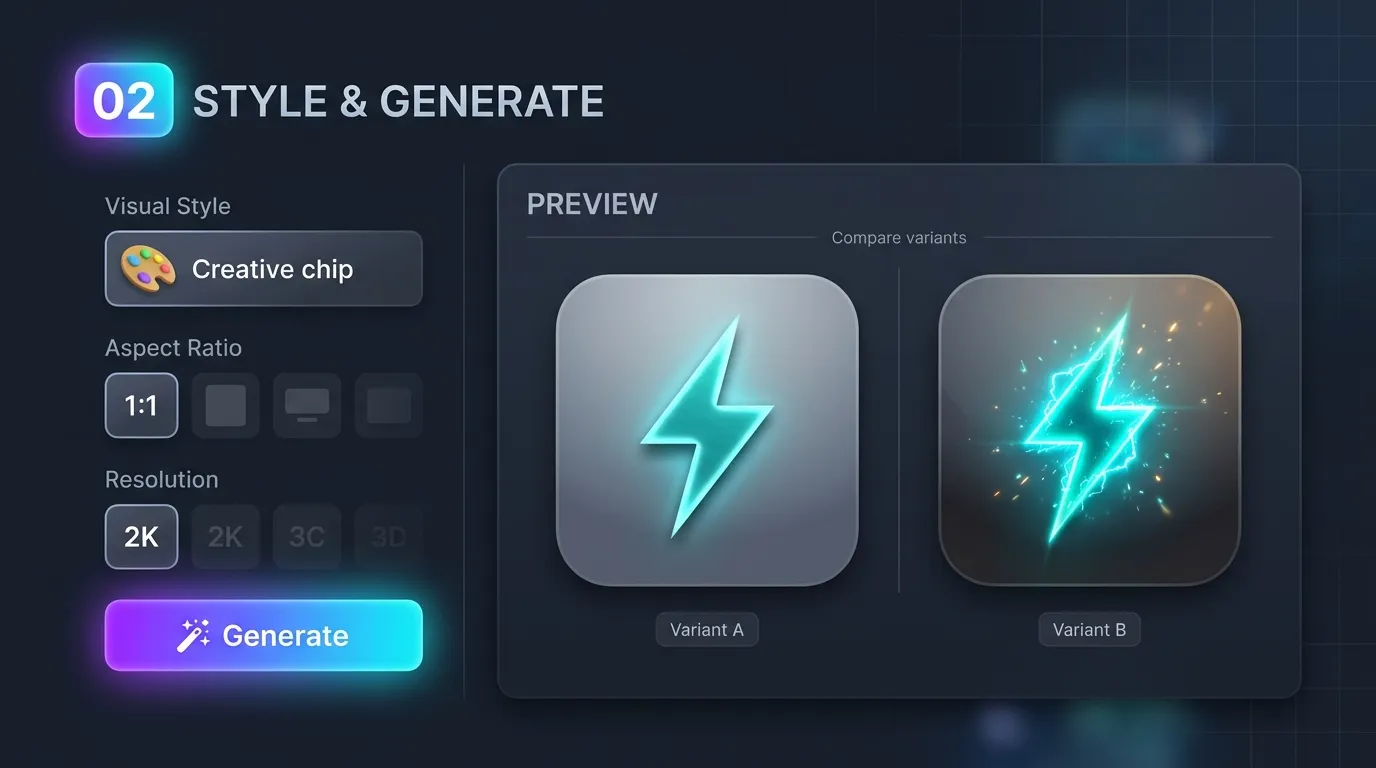
Set visual style, 1:1 aspect ratio, and resolution. Generate variants and compare in Preview.
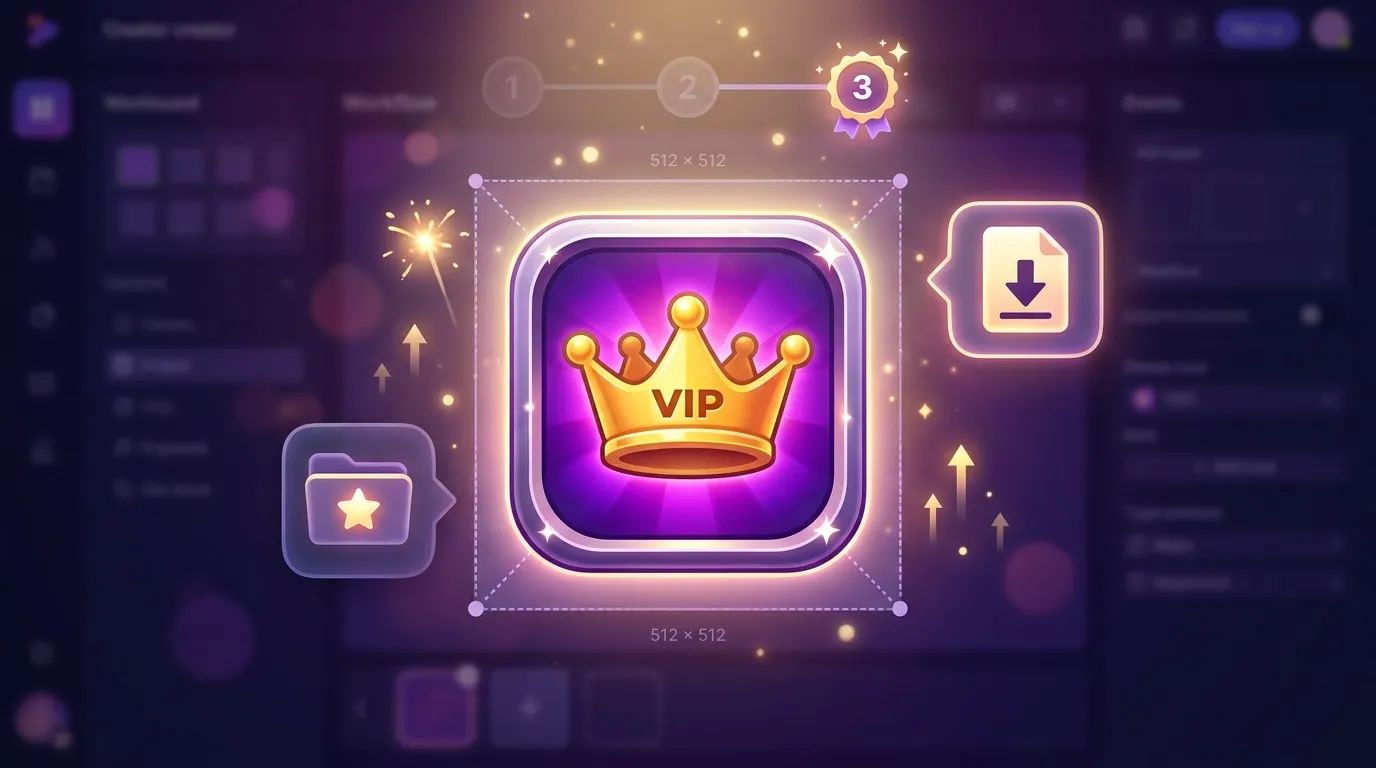
Save favorites to Projects and download PNGs. Resize to 512×512 minimum before uploading experience icons or pass images.
Experience tiles, passes, badges, and logos—choose the icon type that matches your next upload.
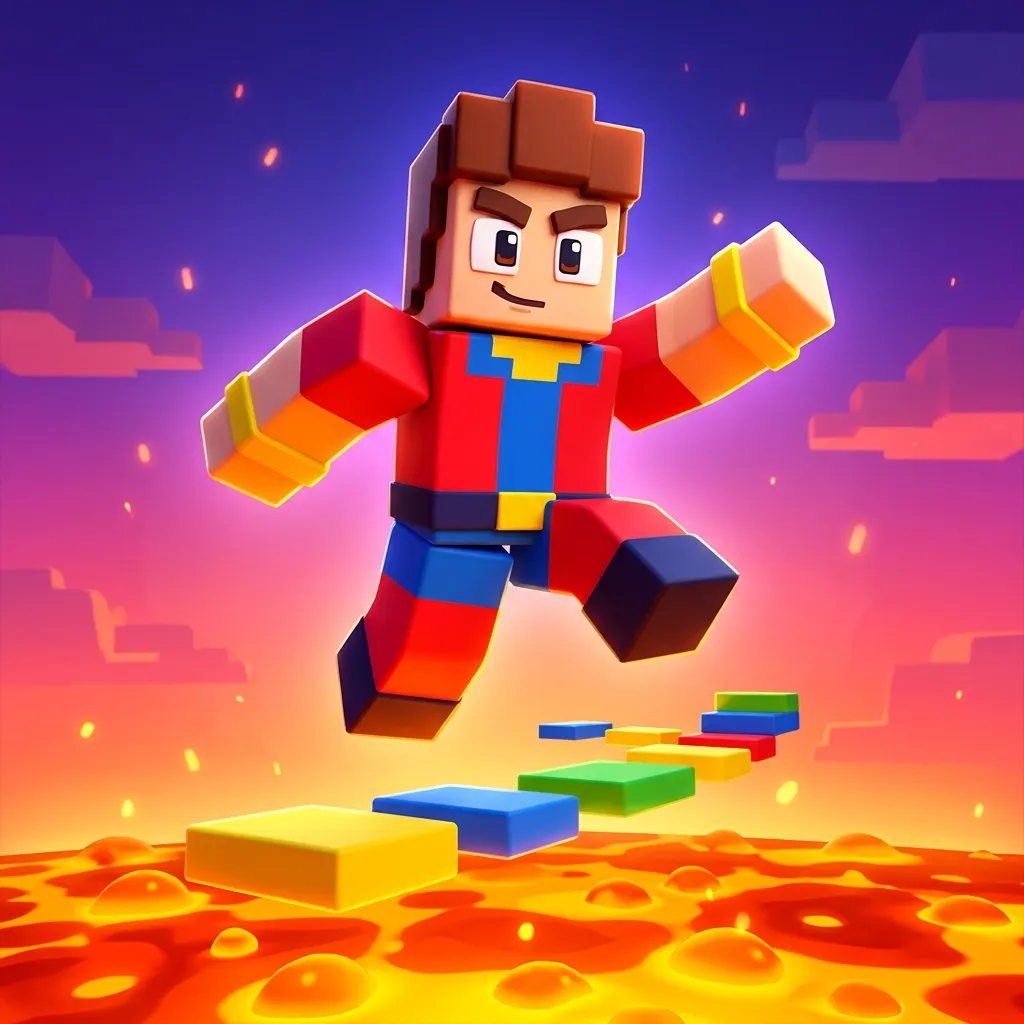
Bold silhouettes and readable faces for obby, tycoon, simulator, and roleplay games on Discover.
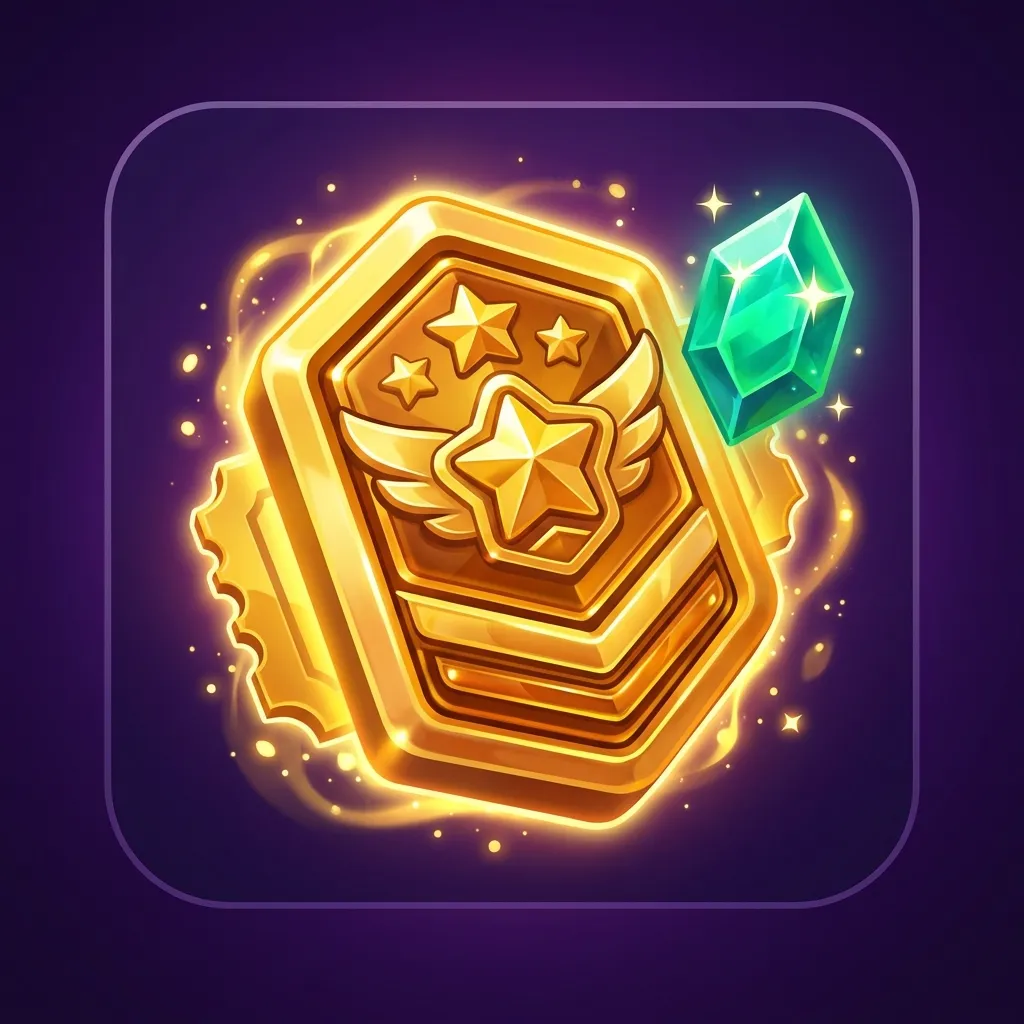
Single emblem or item centered on a gradient—VIP crowns, tools, and unlock visuals that read at thumbnail size.
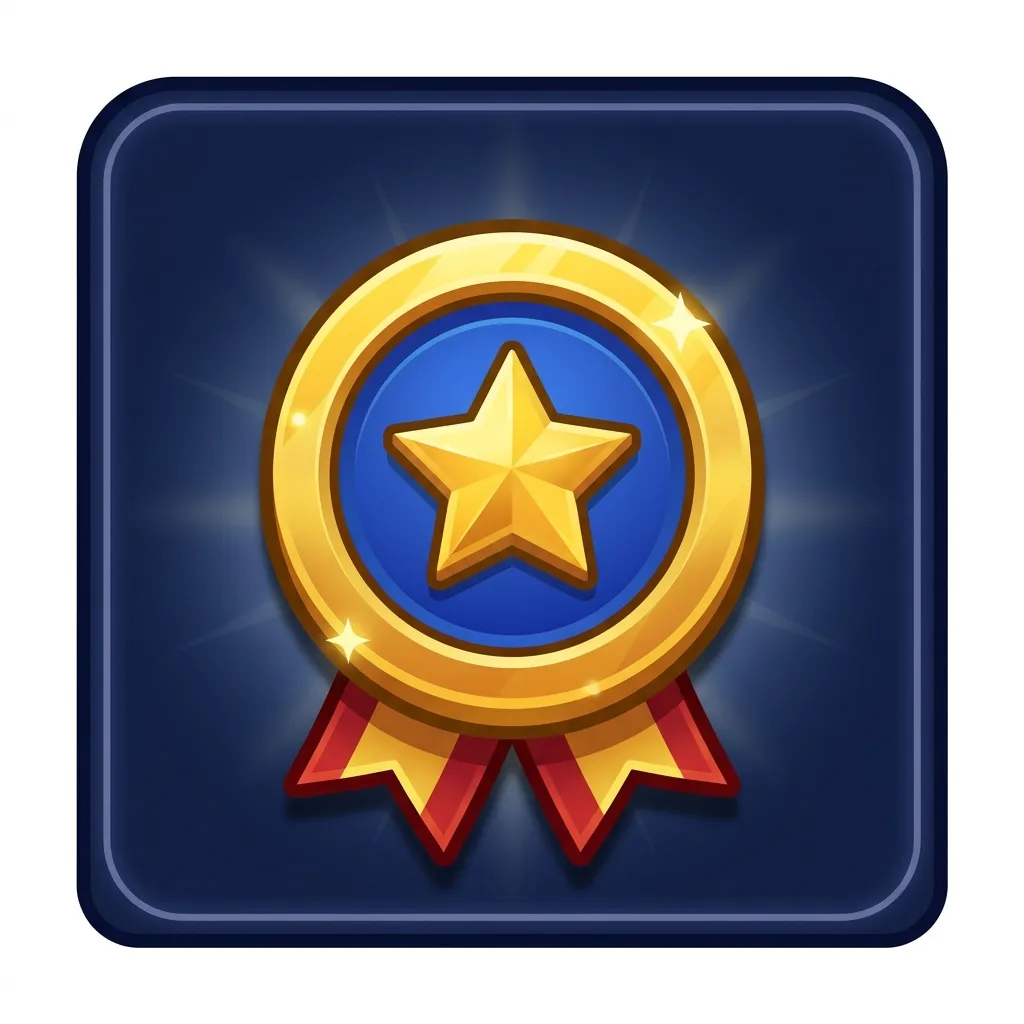
Medals and ribbons with thick outlines; keep the emblem centered because Roblox displays badges as circles.
Simple symbols for groups, clans, and studios—flat color and strong contrast for tiny UI sizes.
Limited-time Halloween, winter, or update icons with festive props and clear focal points.
Shoulders-up avatar icons for roleplay hubs, NPC shops, and creator branding.
The generator defaults to 16:9—compare these Roblox publishing targets before you upload a game cover or icon.
Experience thumbnail
1920 × 1080 px
Experience icon
512 × 512 px minimum
These are platform upload guidelines; your export may differ by model and resolution setting. We last checked Roblox and YouTube docs in October 2026. Official references: Roblox experience thumbnails · Roblox experience icons · YouTube custom thumbnails.
Badge artwork
512 × 512 px
Roblox crops to a circle in UI.
Game pass image
512 × 512 px max
JPG, PNG, or BMP accepted.
Classic shirt / pants
585 × 559 px
Template UV; PNG or JPG.
T-shirt (UV)
585 × 559 px
Same Classic Shirt UV template as long-sleeve shirts; short-sleeve tee layout on panels.
Part / surface texture
512 × 512 px (typical)
Square power-of-two; seamless edges for tiling in Studio.
Group emblem
1:1 square
No single published pixel size.
YouTube video cover
3840 × 2160 px max
16:9; JPG or PNG.
Developer product icon
512 × 512 px max
Square product art; JPG, PNG, or BMP like game passes.
Notes from developers who iterated square icons for Creator Hub uploads before publishing an experience or pass.
Experience icon passed first review.
I picked Experience icon type, wrote a short obby brief, and exported a 1:1 PNG. Resized to 512×512 for Creator Hub—silhouette still reads on Discover.
Three variants, one History session.
We generated four logo directions at 1:1, compared them in History, and picked the boldest mark for our group hub—faster than our old Figma template loop.
Jump back into the Roblox Icon Maker, pick an icon type, describe subject and colors, and download square PNGs for Creator Hub.
Roblox Icon Maker
Pick icon type and visual style, describe the subject, then generate a square upload icon.Samples below—your icons appear in History.
PromptBlocky ninja avatar mid-leap on orange sunset gradient, dynamic pose, bold silhouette, obby adventure mood, no text